
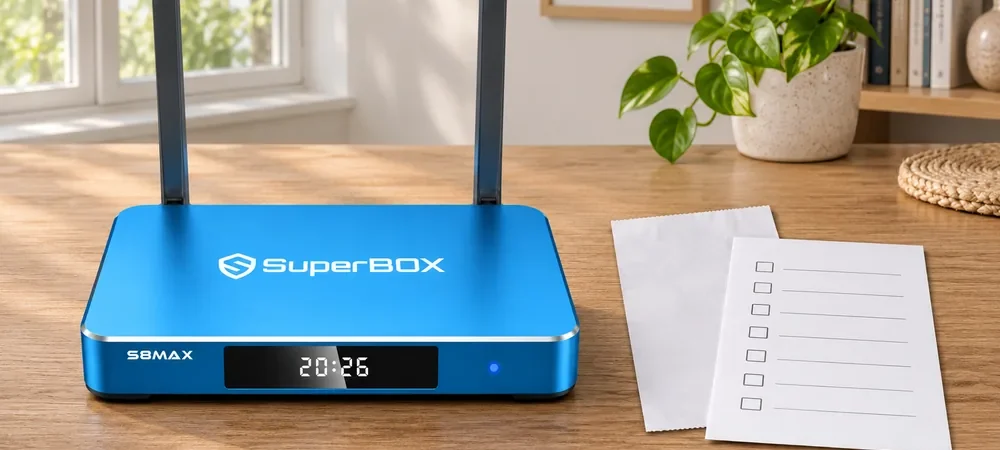
A Used SuperBox S8 listing can look appealing when the asking price is below the price of a new box. The real question is whether you can verify the exact model, condition, accessories, and seller’s return terms before money changes hands. If you want a baseline for the current lineup, start with our current SuperBox product listings.
Then compare available SuperBox S8 models with the seller’s listing. A private listing should then be judged on its own evidence, not on a stock product photograph.
This guide is for U.S. buyers considering a previously owned box. It is a transaction checklist, not a claim that every used device is defective or that a new unit is always the cheaper choice. A well-documented, working used unit may suit a careful buyer; an untestable listing can be poor value at almost any price.
Used SuperBox S8: identify the exact model first
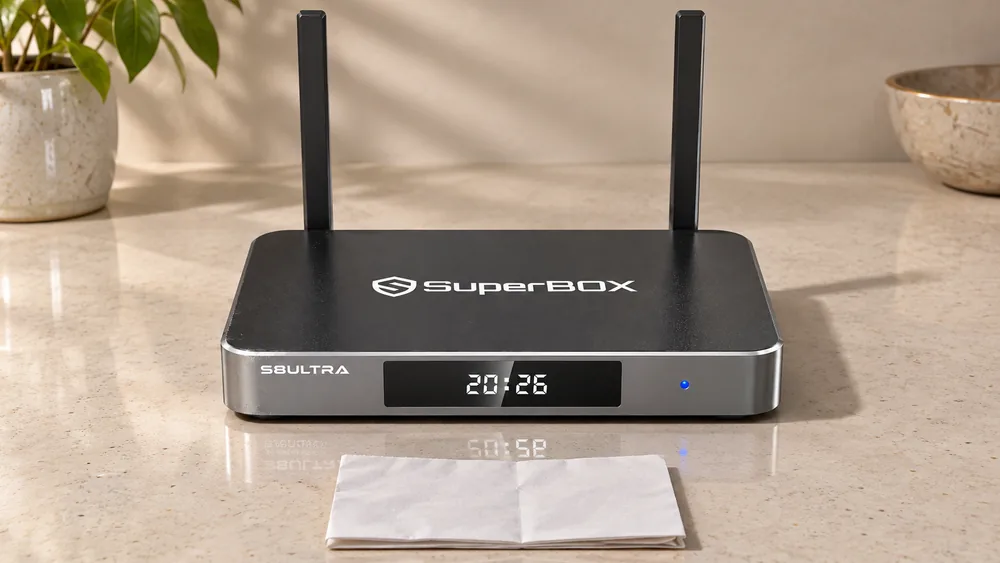
“SuperBox S8” identifies a series, not a single storage or remote configuration. Ask for a clear, current photograph of the unit’s front model marking and the actual remote, plus the seller’s description of what is included. Do not accept a photograph of a retail box as proof that the physical unit matches it. Our current product pages list SuperBox S8 Pro at 32GB storage, SuperBox S8 Plus and SuperBox S8 Max at 64GB, and SuperBox S8 Ultra at 128GB; all four currently list 4GB RAM. A seller’s “128GB SuperBox S8 Max” description would deserve clarification before payment.
Our SuperBox S8 model overview can help you learn the model names before comparing a used advertisement with our current product specifications. For a particular blue unit, compare its label and advertised capacity with our SuperBox S8 Max product page. A genuine appearance is one clue, not a complete authentication method.
Ask for a live demonstration, not a promise
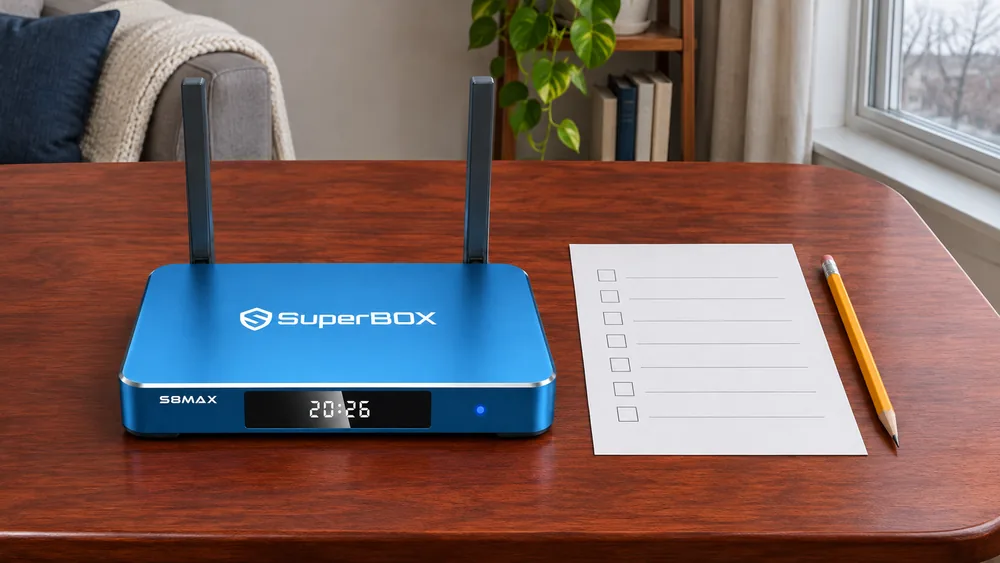
Before buying locally, ask the seller to show the actual box powering on and displaying a picture through a TV’s HDMI input. Watch the remote navigate the screen, and check whether the device can connect to a network available for the demonstration. These are ordinary buyer checks, not a guarantee that every app or stream will work later on your home connection.
If the seller is shipping the item, request a recent short video that shows the model marking and the unit starting. A video can still be incomplete or edited, so pair it with written listing details and a payment method that provides an appropriate dispute path. Do not send sensitive account credentials to a seller or let a seller log into your personal streaming services for a demonstration. After purchase, sign in to your own accounts only through sources you trust.
Our “Devices Forbidden” guide addresses one particular error message. Its existence does not prove that every used device will show that error. A working live demonstration is useful, but it does not create a warranty or establish future access to a changing third-party service.
Check the accessories and the total cost
Ask exactly what is in the sale: the main box, its power supply and cable, HDMI cable, remote, and any other item the seller specifically promises. The bundle in a private listing may differ from a new retail package. Compare photos of the actual items; do not assume an accessory is included because it appears in a manufacturer’s promotional image.
Inspect the power connection and housing for visible damage without opening the case. If an adapter is missing, do not guess at a substitute voltage or connector. Ask our support team or the manufacturer to confirm the correct model-specific replacement before plugging in an unknown supply. If the remote is absent, the savings may shrink once you source a compatible replacement. Our SuperBox S8 voice remote guide explains why the correct remote matters in daily use.
A useful comparison is the total delivered price of the used unit, including any missing accessory, shipping, taxes, and the possibility that the seller will not accept a return. Compare that figure with a current new-device checkout total for the exact model. Our SuperBox S8 buying checklist helps with the seller-verification side of that comparison.
Understand the warranty before treating it as part of the deal
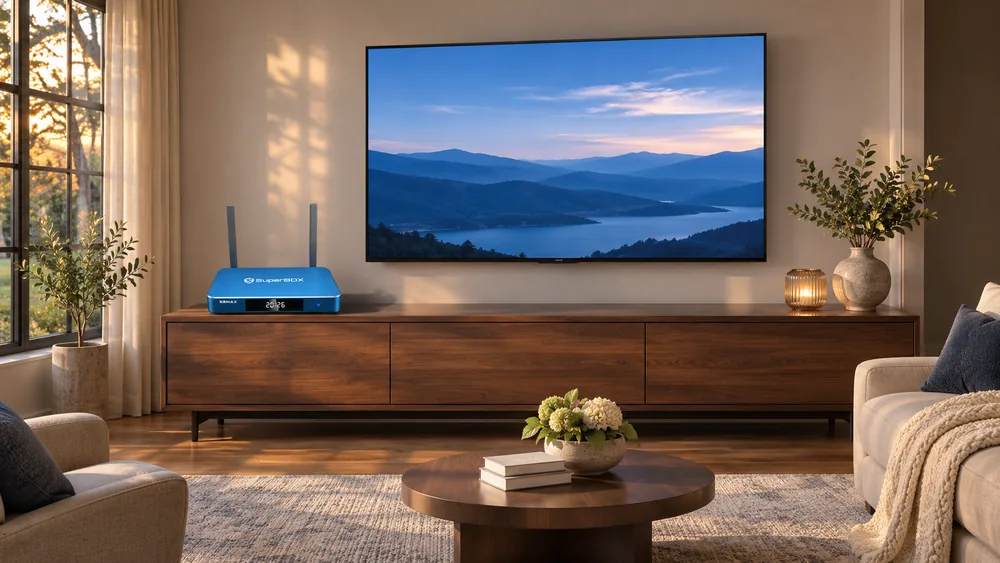
Our written one-year retailer warranty applies to the original purchaser of an eligible device bought directly from us, with proof of purchase. That means a private resale buyer should not assume the one-year retailer warranty transfers. Other sellers may have different written terms. Ask the person selling the used box whether they offer a return, and obtain the terms in writing before paying.
For the precise terms, read our SuperBox S8 warranty and support guide. A change in a channel catalog, a paid app’s account rules, or a home-network problem is not automatically a hardware defect. Do not treat a broad “lifetime” claim in a marketplace listing as a replacement for the written warranty or the service’s current terms.
Questions to ask a private seller
- What is the full model name shown on the physical unit?
- Can you provide recent photographs of the box, matching remote, power supply, and front label?
- Can you show it powering on and accepting remote input?
- What exactly is included, and which accessories are missing?
- What is your written return or dispute process if the unit arrives different from the description?
- Is there proof of the original purchase, and which retailer issued any claimed warranty?
A seller who cannot answer a basic model or accessory question may simply be uncertain, but you should price that uncertainty into the decision. The SuperBox S8 trade-offs guide is another useful reality check: a streaming box still depends on your TV, home internet, supported apps, and content rights. Used ownership does not guarantee a particular program, channel, or third-party subscription.
Used or new: which purchase fits you?
A used unit can be reasonable when you can inspect it in person, see the correct accessories, obtain clear return terms, and understand our retailer warranty’s eligibility limits. A new unit is easier to justify when you want documented retailer support, a clearly described package, and our current written return and warranty terms. Neither path should be judged on the headline price alone.
If storage and a backlit remote matter, our SuperBox S8 Ultra product page shows the current new-model baseline. If you mostly want the 64GB option, our SuperBox S8 Max product page provides another comparison point. Do not buy an unverified private listing solely because it carries the words “latest model.”
Frequently asked questions
Does our retailer warranty transfer to a used buyer?
Our written one-year retailer warranty is tied to the original purchaser of an eligible device bought directly from us, with proof of purchase. Do not assume a private resale transfers that coverage. Ask the original retailer about the specific order and written terms if coverage is central to your decision.
Is a used SuperBox S8 automatically unsafe?
No such blanket conclusion follows from the condition “used.” The important questions are whether the seller can demonstrate the actual unit, whether its origin and accessories are clear, and whether you trust the return arrangement. Avoid unknown apps or seller-supplied credentials, and use your own accounts when you set up a purchased device.
Should I buy a used SuperBox S8 without a remote?
Only after confirming the correct remote can be obtained and adding that cost to your total. A remote shown in a stock photo may not be in the actual package. Ask for a photograph of the real accessory or a clear statement that it is absent.
Bottom line
For a Used SuperBox S8, the best protection is a clear model identity, a real operating demonstration, a complete accessory list, and written seller terms. If those are missing, compare the total risk-adjusted cost with a new SuperBox S8 purchase from our store rather than relying on a low asking price.
If a new SuperBox S8 Max is the safer fit for you, eligible orders may use code SP10 for a 10% discount. Verify that the discount applies and check the final total in the cart before paying.