
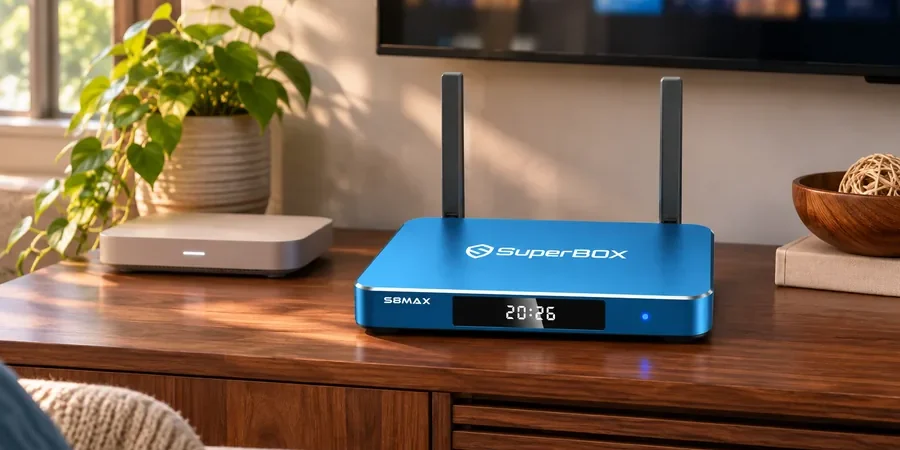
Short answer: You do not need to replace a working home router simply because your SuperBox S8 supports Wi-Fi 6. Our current SuperBox collection lists dual-band Wi-Fi 6 across the four SuperBox S8 models, while the connection you actually get depends on the router, distance, walls and internet service. If you are new to the lineup, start at our SuperBox store and use this guide to plan the room before you order.
The practical question is less “Is Wi-Fi 6 printed on the box?” and more “Will the connection at my TV stay reliable?” Here is what the specification tells you, what it does not, and how to choose between the wireless and wired options without buying networking equipment you may not need.
What SuperBox S8 Wi-Fi 6 Actually Means
Wi-Fi 6 is the name commonly used for the IEEE 802.11ax generation of wireless networking. Our current product details list dual-band Wi-Fi 6 for SuperBox S8 Max, as well as for SuperBox S8 Ultra, SuperBox S8 Plus and SuperBox S8 Pro. “Dual-band” here refers to 2.4 GHz and 5 GHz; it does not mean that these devices support the 6 GHz band associated with Wi-Fi 6E.
A Wi-Fi 6-capable device can connect to an older compatible Wi-Fi network. The connection then uses capabilities shared by both the box and the router. That is why a working Wi-Fi 5 router can still be a sensible starting point. A new router can help some households, especially where the existing network struggles with several devices, but upgrading a label alone cannot fix weak signal or an overloaded internet connection.
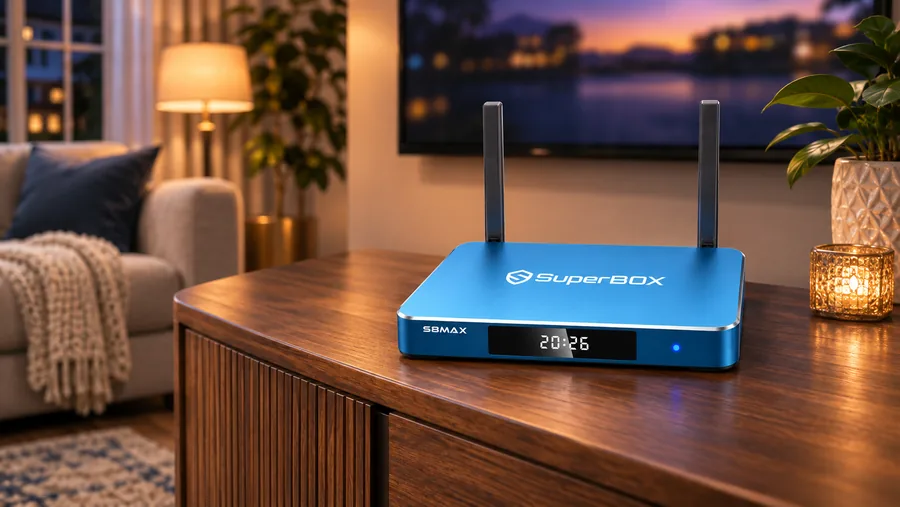
Three Separate Links in the Streaming Chain
1. Your internet plan
Your provider determines the available connection to your home. Wi-Fi 6 does not increase the speed of a slower internet plan. If a TV app buffers while other devices also slow down, test the household connection before blaming the SuperBox S8 hardware. Content services and live channels can also have their own temporary issues.
2. The router-to-TV signal
Distance, walls, crowded wireless channels and cabinet placement affect the signal reaching the TV corner. A router in an enclosed cabinet at the far end of the house is a different setup from one in the same open room. The higher-frequency 5 GHz band can perform well over shorter clear paths; 2.4 GHz can reach farther in some homes, although interference may be more noticeable. Neither band is automatically the best choice for every room.
3. The box-to-router connection
The SuperBox S8 lineup also lists Gigabit Ethernet. A cable may be the simplest choice when the router is close enough and a tidy cable route is practical. Our SuperBox S8 Wi-Fi vs Ethernet guide focuses on that decision. This article focuses on a narrower issue: whether your existing router can serve a Wi-Fi 6-capable SuperBox S8 and when a router upgrade might genuinely help.
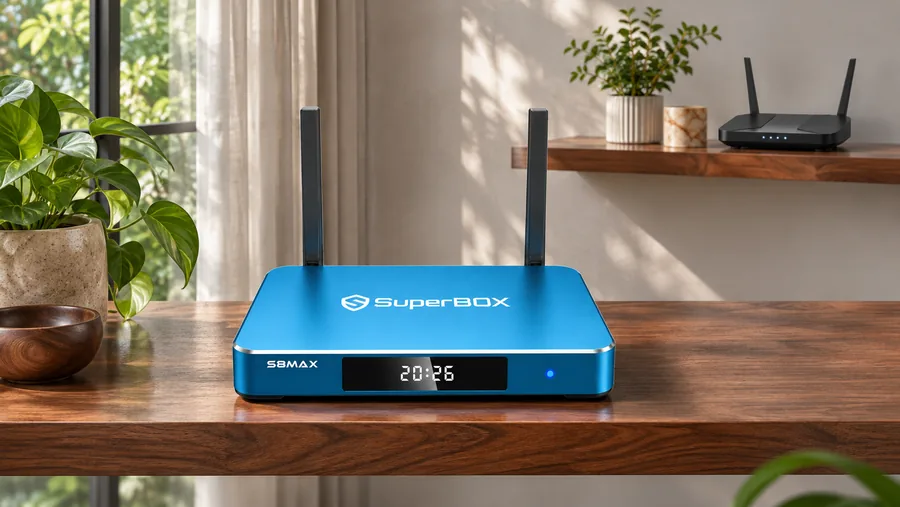
Do You Need a Wi-Fi 6 Router for SuperBox S8?
No, not as a general requirement. Begin with the router you already own. Connect the SuperBox S8 to your household network using the device’s on-screen network settings, then judge the result in the room where you will watch. If the box connects and playback is stable, you have a useful answer without buying a new router.
If the connection is poor, first check whether other devices struggle at the same TV location. Compare the signal in the open room with the signal behind the television or inside a closed cabinet. Where practical, try a wired connection to separate a wireless coverage problem from a wider internet or app issue. Our SuperBox buffering and troubleshooting guide provides broader checks when playback, rather than the Wi-Fi link itself, is the symptom.
Consider a router upgrade if you find inconsistent coverage, heavy household traffic, outdated security support, or a better placement or mesh setup would help your TV room. A Wi-Fi 6 router can improve network efficiency when those wireless conditions are the source of the problem.
What to Check Before Buying a SuperBox S8
- TV location: Is the router nearby, or are several walls between it and the television?
- Connection option: Can you use Ethernet if wireless coverage proves uneven?
- Shared traffic: Do several TVs, phones and game systems use the network at the same time?
- App requirements: Does the specific service you care about work with your account and device? A network standard does not establish app compatibility.
- Model fit: Decide on storage and controls separately from Wi-Fi. Our SuperBox S8 review explains the four-model lineup.
Our SuperBox S8 feature guide is useful if you want the bigger picture before comparing models. If your television is older, the older-TV HDMI checklist covers a separate compatibility question that Wi-Fi specifications cannot answer.
Planning more than one room? Our two-TV planning guide explains why each viewing location needs its own connection check. For a seasonal home, the vacation-home setup plan covers what to verify when you arrive.
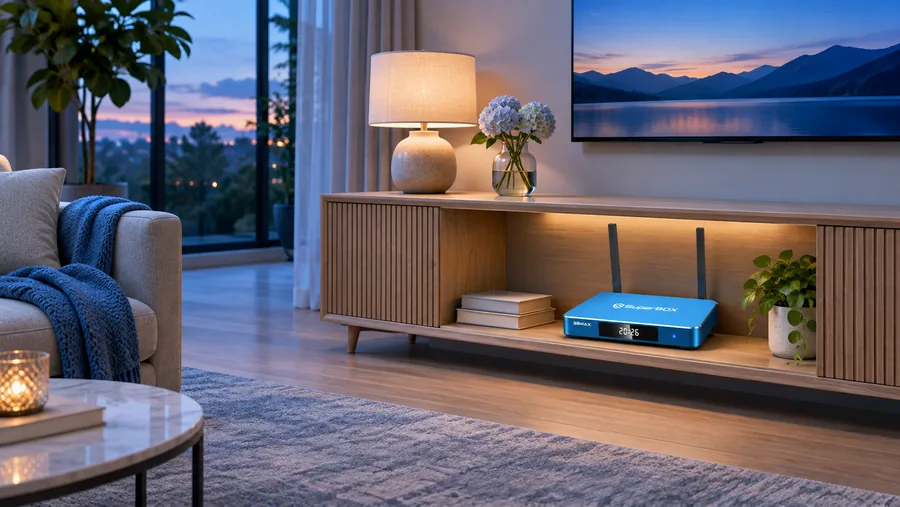
Choosing a Model Without Overreading the Wireless Spec
All four current SuperBox S8 product pages list dual-band Wi-Fi 6 and 1000 Mbps Ethernet. If wireless networking is your only comparison point, it does not by itself choose a model for you. Instead, compare the other features that change your day-to-day use. SuperBox S8 Pro lists 32GB eMMC storage; SuperBox S8 Plus and SuperBox S8 Max list 64GB; SuperBox S8 Ultra lists 128GB and a backlit voice remote. Our storage guide explains why capacity is a separate decision from wireless capability.
For a household seeking the 64GB option and a familiar voice remote, the SuperBox S8 Max is worth comparing with the other models. If you want the larger 128GB capacity or the backlit remote, review SuperBox S8 Ultra instead. We offer the lineup so you can match the purchase to your room and viewing habits, not just to a single specification.
Frequently Asked Questions
Will SuperBox S8 work with a Wi-Fi 5 router?
A Wi-Fi 6 device can use a compatible older Wi-Fi network. Actual connection quality depends on your router configuration and signal at the TV. Check your router’s supported bands and security settings, then test the connection where you plan to watch.
Does Wi-Fi 6 mean SuperBox S8 uses 6 GHz?
No. The SuperBox S8 product listings describe dual-band Wi-Fi 6, which should not be confused with Wi-Fi 6E and its 6 GHz band. Check the exact model page if a particular wireless capability is important to your setup.
Will a Wi-Fi 6 router stop every buffering problem?
A Wi-Fi 6 router can improve the wireless side of a home setup when coverage or household traffic is the limiting factor. If playback pauses, check local signal strength, internet service, and the affected app or content source before deciding whether to upgrade the router.
Make the Connection Choice That Fits Your Home
For most buyers, the best first step is to try the existing router, place the SuperBox S8 in a well-supported TV location, and keep Ethernet in mind when the cable route is easy. You can compare the current models at our SuperBox website. If the SuperBox S8 Max fits your storage and remote needs, review its product details before checkout.
Our current purchase invitation uses code SP10 for a 10% discount on eligible orders; confirm that the discount appears at checkout before paying.