

Quick answer: A SuperBox S8 vacation home setup can be convenient if the TV has an open HDMI port, power is easy to reach, and the property has a reliable internet connection. The box itself is only one part of the plan. Before guests arrive, you need to know which input to select, how the remote behaves and whether the Wi-Fi actually reaches the TV corner.
For an overview of the current devices, see our SuperBox TV box range.
If you are still choosing a model for a second home, compare the current SuperBox lineup before buying a duplicate of what you use at home.
First, decide whose TV this is
A family cabin and a short-term rental need different setups. At your own weekend place, you may want familiar entertainment ready after a long drive. In a rental, simplicity, account privacy and clear guest instructions matter more than personalizing every app. In either case, avoid promising guests a particular channel or movie until you have checked current availability and the rights that apply to the service.
Think through who will be using the remote. Children may need an easy path back to the main screen; older relatives may appreciate a printed note with the TV input and volume controls. Guests should not be expected to troubleshoot a network they cannot manage.
Before departure: the SuperBox S8 vacation home bag check
- Confirm the exact model and pack its matching remote and power adapter. Do not assume a different SuperBox remote or power supply will work.
- Bring a known-good HDMI cable if the TV at the property does not have a reliable spare.
- Check the TV’s available HDMI input and power-outlet location in advance.
- Have the current Wi-Fi name and password, or arrange access to the router for a wired connection.
- Keep your order details and seller support information where you can find them, but do not leave passwords for guests in the room.
If the property has an older television, our SuperBox S8 older-TV compatibility guide explains why an HDMI input matters more than whether the set has built-in smart features.
Arrival day: connect the screen before the apps
At a SuperBox S8 vacation home, a two-minute screen test is worth more than a long app list: confirm picture, sound and remote response first.
Start with the television switched to the HDMI input you actually used. Connect the correct power supply, allow the box to start, then check the picture and remote response before opening any streaming app. If the screen stays blank, recheck the TV input, cable seating and power first. This separates a basic display problem from an internet or app problem.
For model-specific packaging and first-start steps, the SuperBox S8 Ultra unboxing guide is a better companion than instructions written for a different generation.

SuperBox S8 vacation home network choices
A lake house may have a router in a hallway, while the television sits across two walls. Test the connection from the actual TV area, not from your phone beside the router. If the signal is weak, moving the router or using a wired run may help; a stronger advertised Wi-Fi standard cannot repair a poor connection by itself.
The site lists Wi-Fi 6 and a built-in gigabit Ethernet port for SuperBox S8 Ultra. Those are hardware options, not guarantees of streaming quality. The SuperBox S8 Wi-Fi versus Ethernet guide can help you choose a connection based on the room layout. If your property uses a guest network, verify that the TV box can join it and reach the services you intend to use before you leave.

One screen, two screens, or visiting guests?
One box normally sends its picture to the TV connected by HDMI. If you want independent viewing in a living room and bedroom, plan for separate devices or another compatible setup; do not assume a second screen can select its own program from one box. Our SuperBox S8 two-TV guide walks through the practical options.
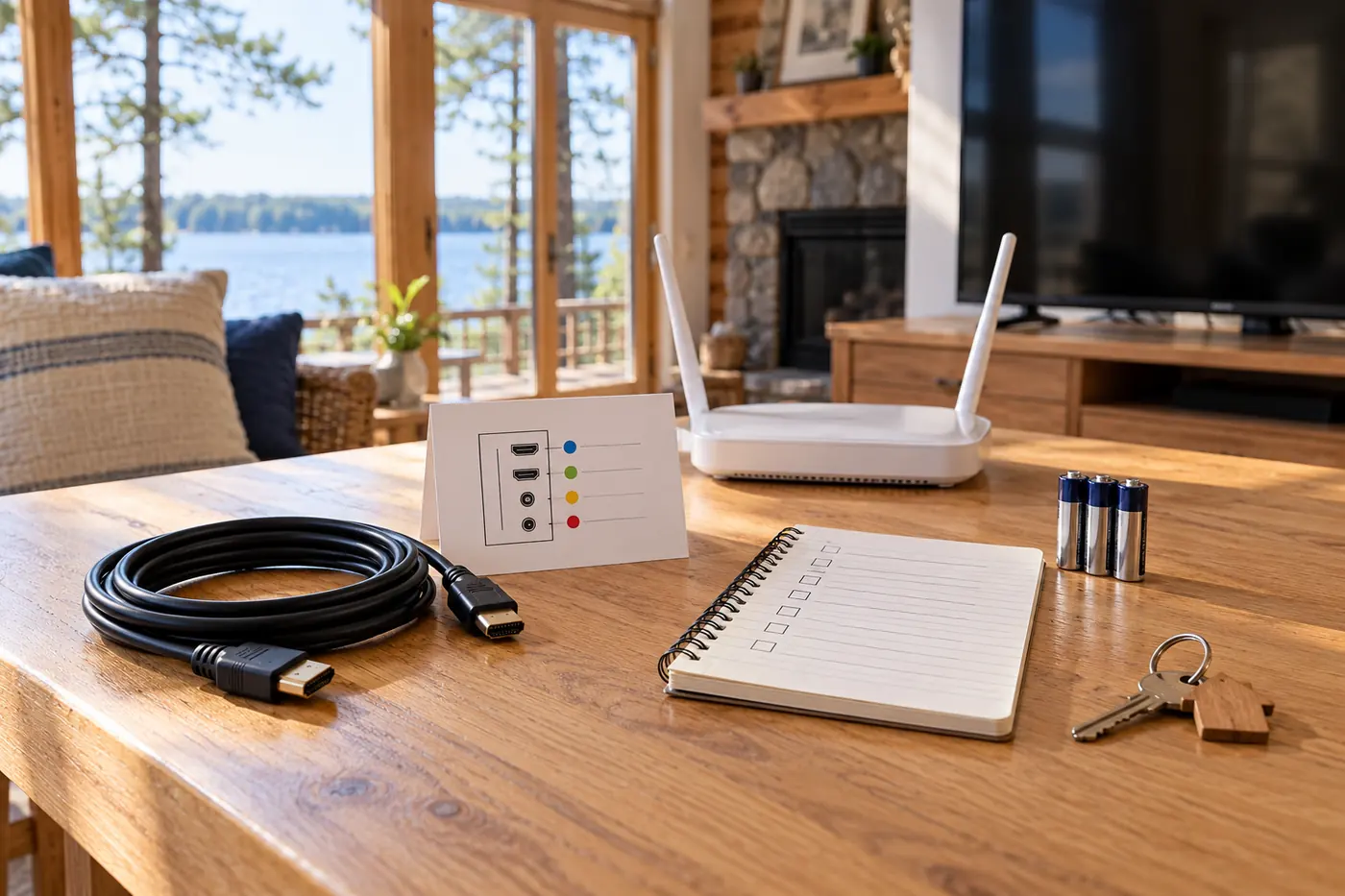
For guests, keep the television’s regular remote nearby as well as the SuperBox remote. A small card that says “Turn on TV → choose HDMI 1 → use the SuperBox remote” can save several calls. If the SuperBox remote is unresponsive, replace or check its batteries and follow the SuperBox S8 remote pairing guide for the correct model instead of guessing button combinations.
Content and account privacy at a second property
A SuperBox S8 vacation home should be easy for visitors to use without exposing the owner’s personal accounts.
The seller promotes live and on-demand options in built-in SuperBox apps, but program availability can change. A device with no mandatory monthly hardware fee does not mean every third-party service is free, available in every location or licensed for every use. Verify the particular apps and programs your family needs before treating the box as a complete replacement for your existing subscriptions.
If guests will use the television, consider whether any personal accounts remain signed in. Review each app’s sign-out controls and any saved payment methods. This is particularly important for a short-term rental, where the next visitor should not inherit access to the previous visitor’s account.
What to do when the screen fails on a weekend
Start by identifying the symptom: no TV picture, no internet, or one app that will not load. Each points to a different check. A TV input problem is not fixed by changing Wi-Fi; an app problem is not necessarily a device failure. Our SuperBox not-working troubleshooting guide helps separate these cases.
Avoid a factory reset as a first move, especially at a property you cannot easily revisit. It can remove settings or signed-in accounts and may leave guests with more work. If basic checks fail, use the seller’s support channel and describe the exact model, what appears on screen and what has already been tested.
Should you choose SuperBox S8 Ultra for this job?
SuperBox S8 Ultra is worth considering when your second home is used often and you value its listed 128GB storage, built-in Ethernet and backlit voice remote. The remote may be especially handy in a dim living room, while the wired option gives you flexibility if the router is close enough for a cable. None of those features substitutes for a dependable internet connection or a compatible TV.
Before ordering for a property you visit only occasionally, check who will receive the package and who can help if something arrives damaged. The SuperBox S8 warranty and support guide explains which seller details to confirm before you buy. Keep the purchase record with the property’s equipment notes.
A final handoff checklist
For a SuperBox S8 vacation home, leave a few plain-language steps that any visitor can follow without calling you.
- The TV turns on to the correct HDMI input.
- Picture and sound work, and the matching remote responds.
- The network works in the actual viewing room.
- The intended apps open, with availability and any fees checked.
- Guests can find clear instructions without seeing private account credentials.
A SuperBox S8 vacation home setup works best when it feels boring to the next person: power on, select the input and watch. Browse the latest SuperBox options for U.S. homes if you want to compare devices for your main home and your getaway.