
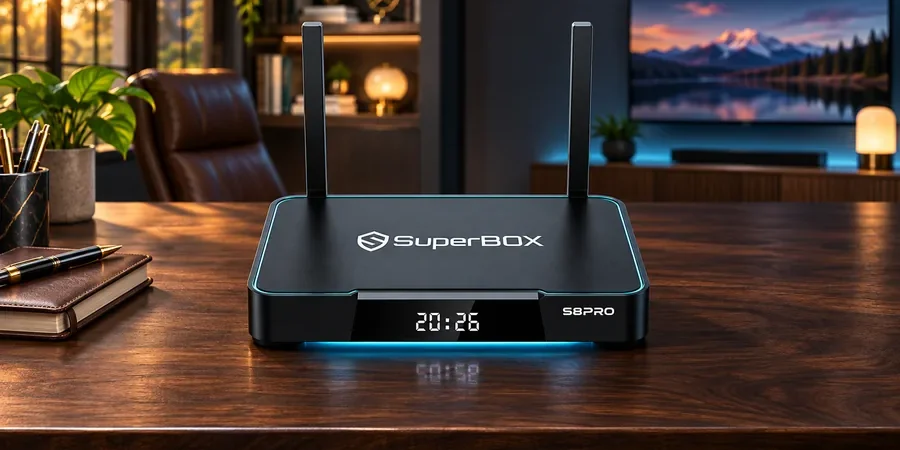
The useful answer: Our current SuperBox S8 product pages list a quad-core ARM Cortex-A53 processor across SuperBox S8 Pro, SuperBox S8 Plus, SuperBox S8 Max and SuperBox S8 Ultra. Together with 4GB DDR RAM, the processor supports the everyday tasks of opening apps, browsing menus, and managing playback. If you are comparing our SuperBox S8 lineup, use this guide to interpret the processor entry alongside memory, storage, software, networking and the features you actually want. You can explore our current catalog at the SuperBox store.
What Does “Quad-core ARM Cortex-A53” Describe?
“Quad-core” means four CPU cores. Cortex-A53 is an Arm CPU design used in many low-power devices. That specification describes the CPU design and core count. For a useful buying comparison, consider it alongside the shared 4GB DDR RAM, each model’s storage capacity, and the viewing features you plan to use.
Our SuperBox S8 Pro page lists the processor with 4GB DDR memory, 32GB eMMC storage, Android 12 and a Mali-G31 MP2 GPU. The current pages for the other SuperBox S8 models list the same named CPU and memory size, while storage and certain controls differ. A buyer comparing models should not assume a higher-priced model has a different CPU just because its other features change.
CPU, RAM and Storage: Three Jobs, Three Questions
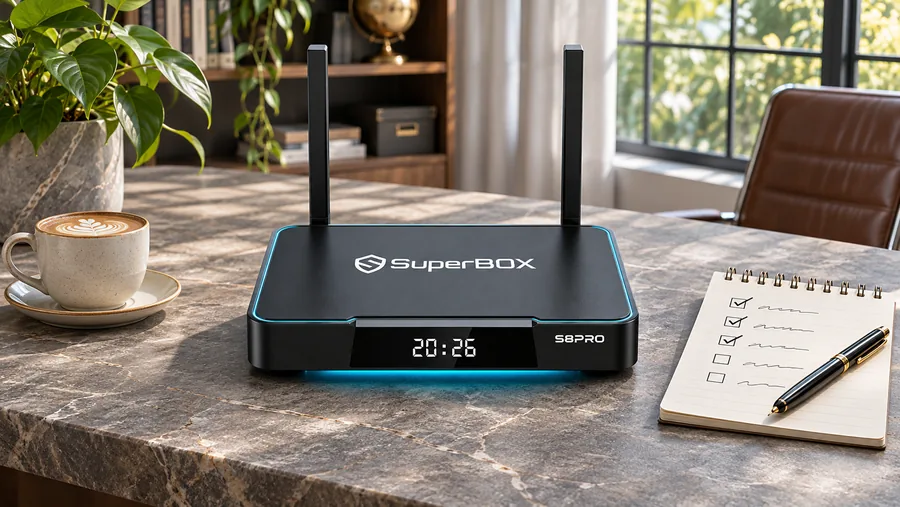
The CPU runs instructions. RAM is working memory for active software. Internal storage holds the operating system, compatible apps and eligible local files. They work together, but the numbers are not interchangeable. Four cores cannot replace storage space; 128GB of storage does not turn the CPU into a different processor.
| Specification | What it helps you judge | What to consider alongside it |
|---|---|---|
| Quad-core ARM Cortex-A53 | Listed CPU family and core count | App design, software and home connection |
| 4GB DDR memory | Published working-memory capacity | Active apps and everyday navigation |
| 32GB to 128GB eMMC | Space available by model, subject to system use | Compatible apps and supported local files |
For a deeper look at storage rather than processor architecture, see our SuperBox S8 storage guide. Our SuperBox S8 review puts the models together at a higher level. This article answers the narrower CPU question.
If the processor label appeared while you were weighing SuperBox S8 Max, our SuperBox S8 Max review considers the entire product. Our SuperBox S8 features guide offers a broader starting point for the series.
Will This Processor Make Streaming Smooth?
The processor is relevant, but the answer depends on more than CPU name. Playback uses software, video decoding, memory, the network, the app and the content source. Our model pages separately list a Mali-G31 MP2 GPU and H.265 decoder capability. A decoder specification is not a guarantee that every service supplies compatible content, nor that every television can display the decoder’s headline resolution. Our SuperBox S8 6K vs 4K guide explains that distinction.
Likewise, an internet slowdown can look like a slow box even when the CPU has plenty of work capacity. The SuperBox S8 Wi-Fi vs Ethernet guide helps you choose a connection for the TV room. A processor description cannot solve poor wireless coverage or a streaming service interruption.
Does the CPU Distinguish the Four SuperBox S8 Models?
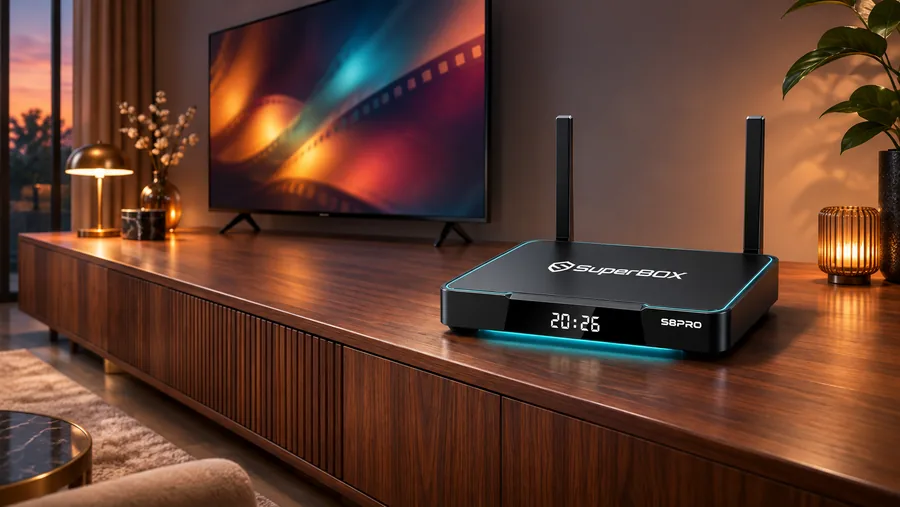
Based on our current published specifications, the same named quad-core ARM Cortex-A53 CPU appears across the four models. That means the processor entry alone is not a useful tie-breaker. Focus on differences our listings actually show:
- SuperBox S8 Pro: 32GB eMMC storage, suitable to consider when you need less local space.
- SuperBox S8 Plus: 64GB eMMC storage, an everyday middle option.
- SuperBox S8 Max: 64GB eMMC storage and the model-specific features shown on its current page.
- SuperBox S8 Ultra: 128GB eMMC storage and a backlit voice remote in our listing.
Actual free space is lower than the advertised capacity because the system uses part of it. If you care about a particular app or recording function, verify that feature for the exact model; shared CPU wording does not make every feature identical. The SuperBox S8 Ultra review discusses the larger-storage model, while our SuperBox S8 Pro buying guide explores the lower-storage choice.
A Better Buying Checklist Than “How Many Cores?”
- List your real viewing needs: live TV, supported apps, local media and the remote features you use.
- Check each product page: match storage, remote and connectivity to the precise full model name.
- Check the TV and network: display capabilities and connection stability can matter more than a CPU label.
- Ask about critical app compatibility: Android version and processor name do not establish every app publisher’s support.
- Compare value, not a single specification: if two models list the same CPU, pay attention to the differences you will actually use.
Frequently Asked Questions
What does the SuperBox S8 quad-core processor mean for buyers?
It identifies the CPU core count and Arm design. Pair it with the shared 4GB DDR RAM and the model-specific storage and entertainment features when choosing a device.
Does SuperBox S8 Ultra use a different processor from SuperBox S8 Pro?
Our current listings name the same quad-core ARM Cortex-A53 CPU for both. Their published storage capacity and remote features differ. Check current product pages before purchase because specifications may be revised.
Is a quad-core CPU enough for every app?
For the smoothest app experience, consider the app’s requirements, current software support, and any account needed for the service you use.
Choose the Right SuperBox S8 by the Whole Experience
The shared processor listing makes it easier to focus on meaningful model differences. If the 32GB configuration suits your needs, start with SuperBox S8 Pro; if you want more storage, compare the other models on our SuperBox website. We provide the specifications to help you make a fit-based choice, not to suggest an untested speed advantage.
At checkout, code SP10 may provide a 10% discount on eligible orders. Confirm the discount appears in the cart before completing payment.