

Short answer: SuperBox S8 storage should match what you plan to keep on the device, not an imagined boost in streaming picture quality. The current SuperBox S8 range lists 32GB, 64GB, and 128GB eMMC options. If you mainly open apps and stream, the smaller choices may be sufficient; if you expect to install more apps or retain local files and supported recordings, extra capacity offers breathing room.
The SuperBox S8 range for home viewing spans several models, so storage is one buying factor rather than the whole decision. Other features may matter more to your household.
You can see the current SuperBox models for sale before choosing. Check the live product listing for current availability and pricing; this guide focuses on capacity and use cases rather than a temporary price tag.
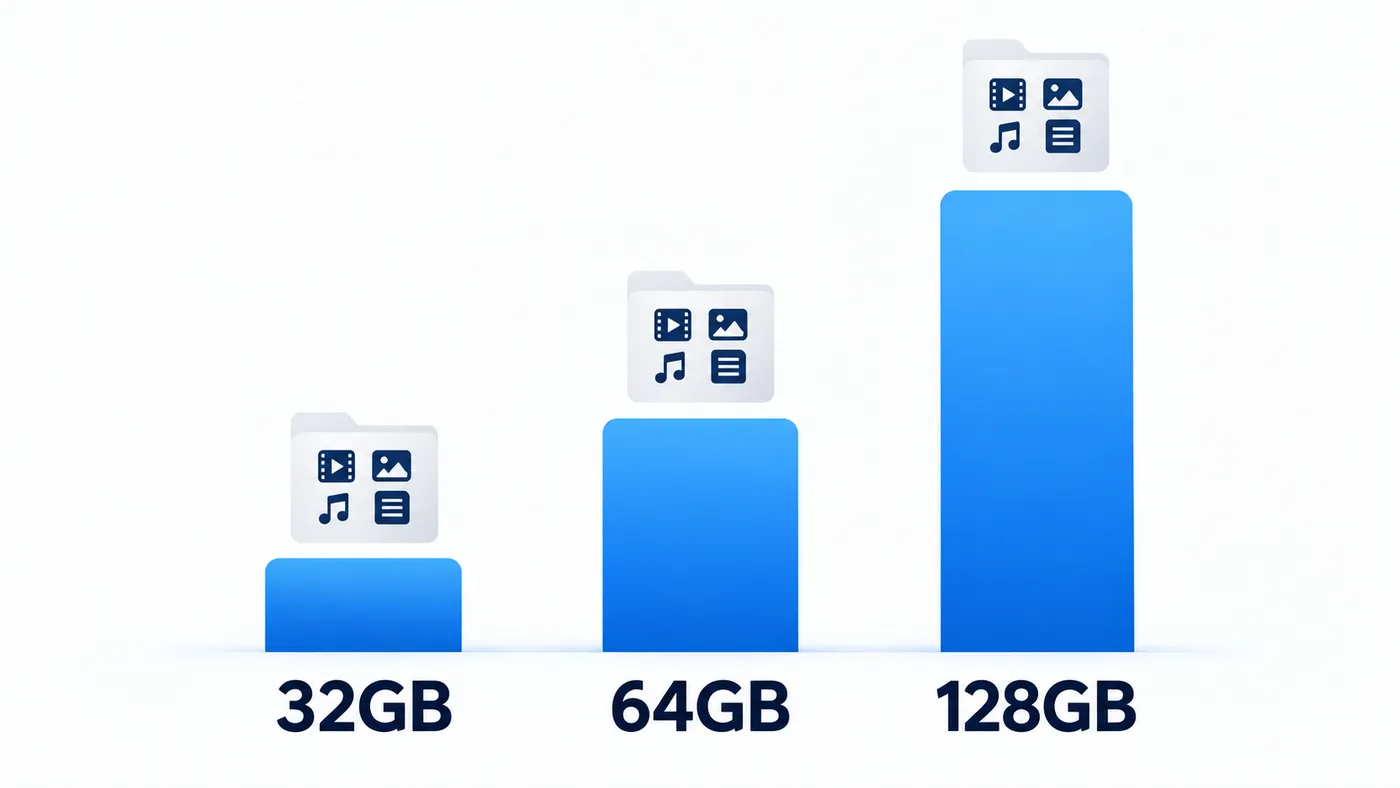
SuperBox S8 storage: 32GB, 64GB, and 128GB
The listed figures are nominal internal eMMC storage, not free space waiting for the buyer. The system, preinstalled software, updates, app data, and cached files all use some of it. The exact free amount can vary, so it would be misleading to promise that every listed gigabyte is available for your own downloads.
| Model | Listed RAM | Listed internal storage | Buyer fit |
|---|---|---|---|
| SuperBox S8 Pro | 4GB | 32GB | A leaner app setup |
| SuperBox S8 Plus | 4GB | 64GB | More room without moving to the highest capacity |
| SuperBox S8 Max | 4GB | 64GB | Capacity plus its other model-specific features |
| SuperBox S8 Ultra | 4GB | 128GB | The most internal headroom in this lineup |
These capacities match the store’s current model listings. If you are comparing generations as well as storage, our SuperBox S8 versus SuperBox S7 guide is the better place to start.
Storage is not RAM—and neither guarantees smoother video
RAM and eMMC storage answer different questions. RAM supports running the system and apps while they are in use; storage holds installed apps, updates, and saved data. The four current SuperBox S8 product listings each state 4GB of RAM, so choosing 128GB instead of 64GB is not the same as upgrading RAM.
Nor should you expect more eMMC capacity by itself to cure a weak Wi-Fi signal, a slow internet connection, or an unreliable source stream. The SuperBox S8 model review considers the lineup more broadly; use it alongside the storage comparison rather than treating a single number as a performance score.
Who can live comfortably with 32GB?
A buyer who uses a small set of apps, streams most entertainment rather than keeping local files, and does not plan to accumulate many recordings may not need the largest capacity. That does not mean the 32GB option has a guaranteed amount of free storage; check the on-device available-space reading after setup.
The capacity difference between SuperBox S8 Pro and SuperBox S8 Plus is straightforward, but the choice is not just about gigabytes. Our SuperBox S8 Plus versus SuperBox S8 Pro comparison puts their listed features side by side.
Why 64GB is a sensible middle ground for many homes
Within the SuperBox S8 storage range, 64GB provides more headroom than 32GB without moving to the top listed capacity. Both SuperBox S8 Max and SuperBox S8 Plus are listed at 64GB on this store. That means storage alone cannot decide between them.
If those two models are on your shortlist, consult the SuperBox S8 Max versus SuperBox S8 Plus comparison for the other differences that may justify one over the other. Do not infer that equal storage means identical apps, accessories, or user experience.

When 128GB may earn its place
At the top of the SuperBox S8 storage range, the store lists SuperBox S8 Ultra with 128GB eMMC. That larger figure can appeal to people who expect to keep more local app data or supported recordings on the device over time. It is capacity headroom, not a promise that every app will work or every program can be downloaded.
Think about how often you delete old files, whether multiple people share the box, and whether a smaller storage tier would require frequent housekeeping. If you are weighing 128GB against 64GB specifically, our SuperBox S8 Ultra versus SuperBox S8 Max comparison covers the wider buying decision.
A simple decision you can make before checkout
Write down the apps you actually use, whether you save files locally, and how much patience you have for managing storage. A household with only a few streaming apps may have little reason to pay for the largest capacity. Someone who keeps more data locally may appreciate the extra room even if today’s viewing habits seem modest.

For a deeper look at everyday ownership considerations, the SuperBox S8 Max first-time buyer guide discusses what to check before ordering. If you are new to the higher-capacity model, the SuperBox S8 Ultra unboxing guide explains the first setup steps.
Frequently asked questions
Does 128GB make streaming look better than 64GB?
Not by itself. Storage capacity tells you how much data the device can hold, not the resolution or reliability of an internet stream.
Is the full advertised storage free for apps?
No. System software and other data occupy part of the nominal capacity. Available space should be checked on the device after setup.
Should I choose SuperBox S8 Max or SuperBox S8 Ultra only by storage?
No. Their listed capacities differ, but model choice also involves the other features you will use. Compare the live listings before ordering rather than assuming the larger number is automatically better for you.
Bottom line
Choose SuperBox S8 storage for your viewing and file-saving habits: 32GB for a leaner setup, 64GB for additional flexibility, and 128GB for buyers who genuinely value more internal room. Review the SuperBox S8 choices for your household, then confirm the selected model’s current details at checkout.