
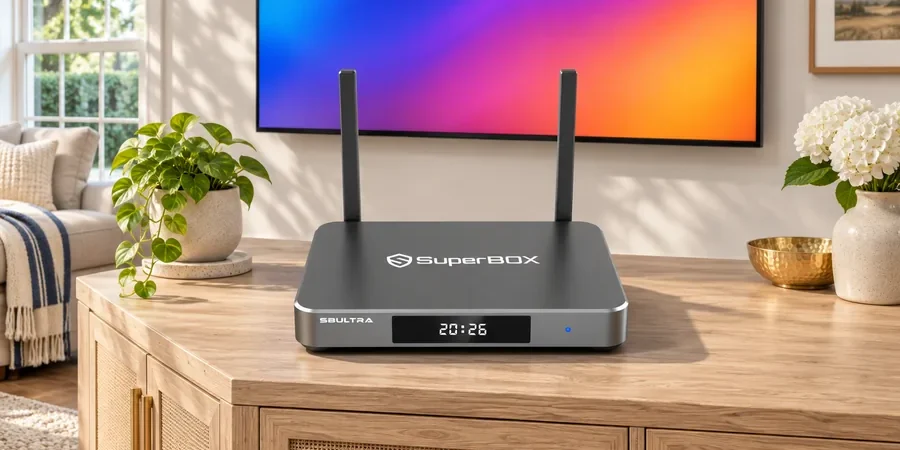
Quick answer: Our current SuperBox S8 product information lists Android 12 across SuperBox S8 Ultra, SuperBox S8 Max, SuperBox S8 Plus and SuperBox S8 Pro. That tells you the operating-system version used by the lineup. It does not guarantee that every Android phone app, every subscription service, or every version of an app will work on a television box. At our SuperBox store, we encourage buyers to check the exact service they care about before choosing a device. You can compare the four models in our SuperBox collection.
Why make that distinction? The Android version is one part of a larger app experience. The app publisher’s requirements, the distribution method, your account and the device’s software all matter. This guide helps you separate those questions so the “Android 12” label answers the right one.
What Is Confirmed for the SuperBox S8 Lineup?
Our current product pages list Android 12.0, a quad-core ARM Cortex-A53 processor, 4GB DDR memory and dual-band Wi-Fi 6 for all four SuperBox S8 models. Storage differs: SuperBox S8 Pro lists 32GB eMMC; SuperBox S8 Plus and SuperBox S8 Max list 64GB; SuperBox S8 Ultra lists 128GB. Together, these specifications describe the platform for everyday navigation and compatible TV apps; storage capacity is one practical difference to consider when choosing a model.
The operating-system version can help you evaluate whether an app’s minimum Android requirement is plausible. It cannot establish certification, regional availability, DRM support, TV remote navigation, or a publisher’s current device policy. If a particular service is the reason for your purchase, check its current compatibility requirements and account terms rather than relying on the Android number alone.
Android Version, App Availability and App Compatibility Are Different Questions
Version: the software platform
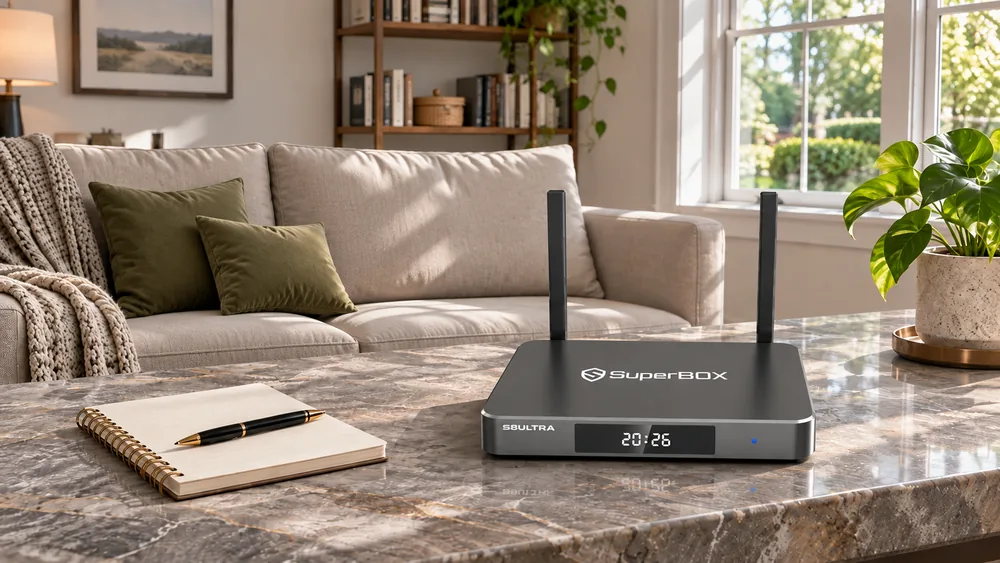
Android 12 names the underlying operating-system generation. Our listings use it to describe the SuperBox S8 software platform. Software versions and updates may change over time, so check current on-device information if a particular version is essential to you. The SuperBox S8 lineup combines Android 12 with a redesigned TV interface for browsing compatible apps and supported viewing features.
Availability: where you obtain the app
An app can be listed in one store and absent from another. Publisher choices, market restrictions and device support affect availability. Our SuperBox S8 app-store guide covers what to check if an expected store or app does not appear. Avoid treating an unverified APK download as a substitute for a compatible, trusted app source.
Compatibility: whether it runs well on your TV
An app may install yet be awkward with a remote, require a separate paid account, or impose device-specific playback rules. A subscription to a third-party service is not included just because the box runs Android. For example, our Netflix and SuperBox S8 guide explains the distinction between app access and the separate Netflix subscription. Check the current app publisher’s terms for your service.
How We Suggest Checking an App Before You Buy
- Name the specific app. “Streaming apps” is too broad. Write down the services your household uses most.
- Check current device requirements. Look for the publisher’s supported device types, Android version, account and region requirements. Requirements can change.
- Check the correct SuperBox S8 model page. Confirm its published OS, memory and storage rather than assuming a review of another model applies.
- Separate free device features from paid services. Internet service and some third-party apps require their own payment or account.
- Ask us about the exact app when uncertain. Our product information and support contacts can help you identify what is documented for the model; do not rely on claims of universal app support.
If you are setting up the device after purchase, our SuperBox S8 Max unboxing and setup guide walks through the first TV connection for that exact model. The separate SuperBox S8 app setup guide covers the specific SuperBox apps named there. Neither guide should be read as a universal installation method for every third-party app.
For a concrete example of how one supported application is organized, our Blue VOD guide explores search and playback controls. The broader SuperBox S8 feature guide places that software experience in the context of the current model lineup.
Does More Storage Make an App More Compatible?
Not by itself. Storage is room for compatible software and local files, while app compatibility depends on the publisher’s requirements and the device environment. The SuperBox S8 Ultra provides 128GB eMMC in our current listing; SuperBox S8 Max and SuperBox S8 Plus list 64GB; SuperBox S8 Pro lists 32GB. More room can matter if you install many supported apps or keep local media, but it cannot unlock an app that does not support the device.
Our SuperBox S8 storage guide explores capacity more fully. For a broad comparison of features rather than just software version, read our SuperBox S8 review. The choice should start with your viewing habits, not with a single version number.
Common Questions About SuperBox S8 Android 12 OS
Does Android 12 mean every Android app works on SuperBox S8?
No. An app’s developer can limit compatible devices, regions, interfaces, playback protection and account access. Check the current app requirements and our exact product information before relying on a particular service.
Do I need a Google account for every SuperBox app?
Account requirements depend on the app. Some services use their own sign-in, and some functions may require an account or subscription. The Android version alone does not answer this; review the app’s current terms.
Does Android 12 make SuperBox S8 Ultra faster than SuperBox S8 Pro?
Both models list Android 12, a quad-core ARM Cortex-A53 processor, and 4GB DDR RAM. SuperBox S8 Ultra offers 128GB eMMC storage and a backlit voice remote, while SuperBox S8 Pro offers 32GB eMMC storage and a voice remote. Choose around the storage and viewing features that suit your household.
Choose the Model and Apps Together
Our SuperBox S8 product pages give you a clear starting point: Android 12 across the lineup, with storage and controls to compare by model. For buyers who want the largest listed storage and a backlit voice remote, review SuperBox S8 Ultra. Confirm the specific apps and accounts that matter to your home before checking out. You can return to our SuperBox website to compare all current options.
For eligible orders, enter SP10 at checkout to seek a 10% discount; verify that the price changes before you complete payment.