
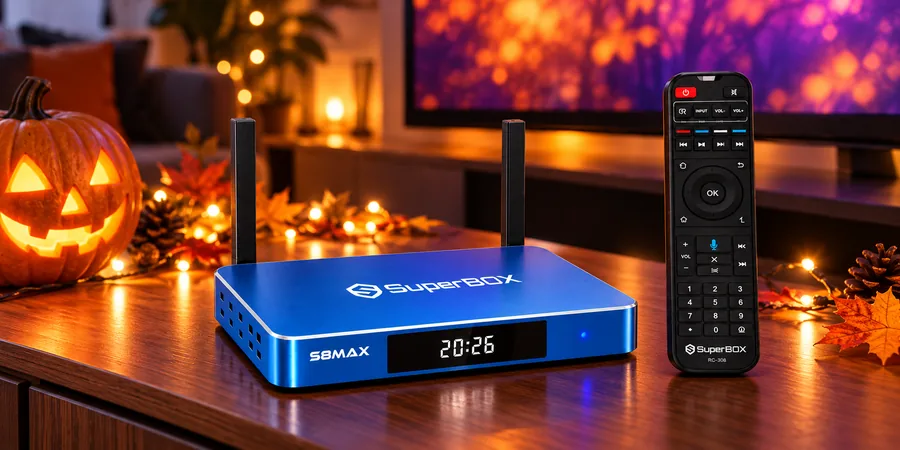
Halloween movie night is easier when the movie is the only surprise. If your family plans to gather around the TV on October 31, a few decisions made earlier in the week can prevent the familiar last-minute scramble: the wrong HDMI input, an unavailable title, a weak Wi-Fi signal, or a film that is much scarier than the youngest viewer expected.
A SuperBox S8 TV box for family viewing can bring live and on-demand apps to a television you already own. If you are choosing hardware for a seasonal watch party and beyond, compare the current SuperBox S8 options before deciding which model fits your room. This guide uses SuperBox S8 Max as the example, but the planning principle is simple: pick the audience and a legitimate viewing source first, then test the setup before anyone arrives.
Choose the right audience for Halloween movie night
“Halloween movie” can mean a playful animated adventure, a suspenseful mystery or full-on horror. Ask the people watching what they actually want. A family with young children may prefer costumes and gentle scares; a group of adults may enjoy a darker double feature. If guests are joining, choose a first title that works for everyone and leave a second, more intense option for later.
Check age ratings and content descriptions for the specific title you select. A colorful poster is not a reliable indicator of how frightening a film will be. Also think about your room: are the lights low enough for atmosphere but bright enough for children to find the snack table? Is the volume comfortable without waking the rest of the house? Those decisions make the evening feel considered rather than improvised.

Build a shortlist without assuming a title is available
For your Halloween movie night, make a short list of two or three possible films, then verify each one in the app or service you plan to use. Catalogs can change by date and region. A title mentioned in an article or shown in an old screenshot may not be available to your account on Halloween night. Avoid promising guests a particular film until you have checked it on the actual device and confirmed you can start playback.
On supported SuperBox S8 setups, Blue VOD is the on-demand area for browsing movies and series. Its search and Favorites functions can make a shortlist easier to revisit. The SuperBox S8 Blue VOD guide explains the current browsing tools, but use the interface on your own device as the final check because app versions and listings can change.
Live TV is a different kind of plan. A themed program might appear in a channel schedule, but that is not the same as having an on-demand film ready to play at a chosen time. The SuperBox S8 channel and streaming guide separates live channels from on-demand content and explains why a list cannot guarantee a specific broadcast. If the family has agreed on a movie, on-demand search is generally the more predictable starting point.
Give the SuperBox S8 Max a ten-minute preflight
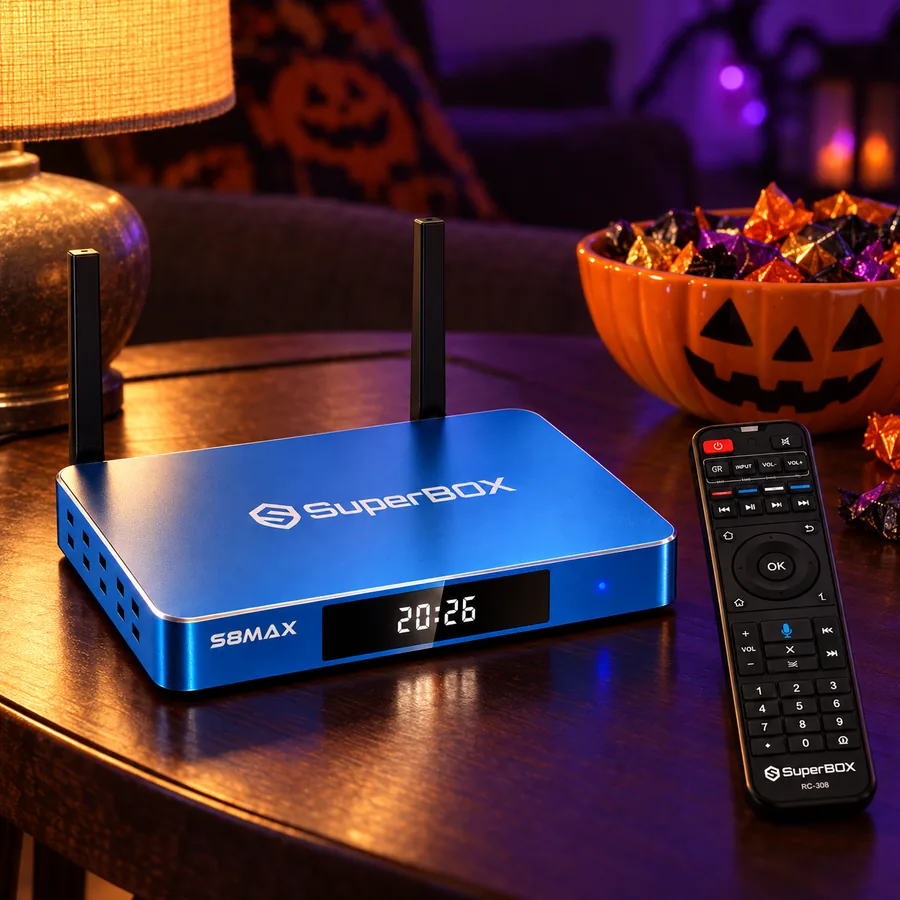
The SuperBox S8 Max is a current model with 64GB eMMC storage, dual-band Wi-Fi 6, Gigabit Ethernet and a voice remote according to its listing. Those specifications can support a convenient living-room setup; they do not guarantee a particular app’s catalog, internet speed or uninterrupted stream. A quick test of your real setup matters more than assuming the hardware will solve every variable.
Turn on the TV and box before party time. Confirm the TV is set to the correct HDMI input, open the intended app, start one legitimate title for a minute and check both picture and sound. If you have just opened a new device, the SuperBox S8 Max first-watch setup guide provides a model-specific checklist. Stop at normal setup steps; a Halloween movie night does not call for unfamiliar firmware changes or files from an unverified download site.
Check the network where the TV actually sits
For Halloween movie night, a speed test beside the router may tell you little about a television tucked behind a wall or on a different floor. Play a short clip in the viewing room and watch for buffering or slow navigation. If the router is nearby, Ethernet may be worth trying; if not, Wi-Fi keeps the setup tidier. The SuperBox S8 Wi-Fi versus Ethernet guide helps you choose based on distance, walls and cable practicality rather than a slogan.
Ask the household not to start a large download during the feature film. If playback struggles, distinguish between one app failing and the entire internet connection slowing down. The device, network and source service are separate links in the chain. Keeping a second, already-verified viewing option available is a better backup than searching for random APKs while guests wait.
Make the remote guest-friendly
Before the lights go down, locate the remote and test its directional, OK, back and volume controls. If anyone else will choose the second film, show them how to return to the app’s main screen. If a remote is unresponsive, use the SuperBox S8 remote-pairing guide for supported model-specific checks instead of following a generic TV-box video.
One screen or two rooms?
A Halloween gathering can divide naturally: children may want a gentler film in one room while adults watch a thriller elsewhere. Do not assume one box can deliver two independent programs to separate televisions. If that is your plan, check the SuperBox S8 two-TV reality check ahead of time and decide what equipment each screen actually needs. A simple one-screen schedule may be easier than trying to improvise a multi-room arrangement at dusk.
For one living room, a flexible Halloween movie night timeline works well: start with a short family-friendly option, pause for trick-or-treaters, then switch to a longer film once everyone is settled. Plan a few minutes between selections for a sound check, snacks and a conversation about whether the next title suits the group. Not every pause needs to be filled with more screen time.
What “free streaming” does—and does not—mean
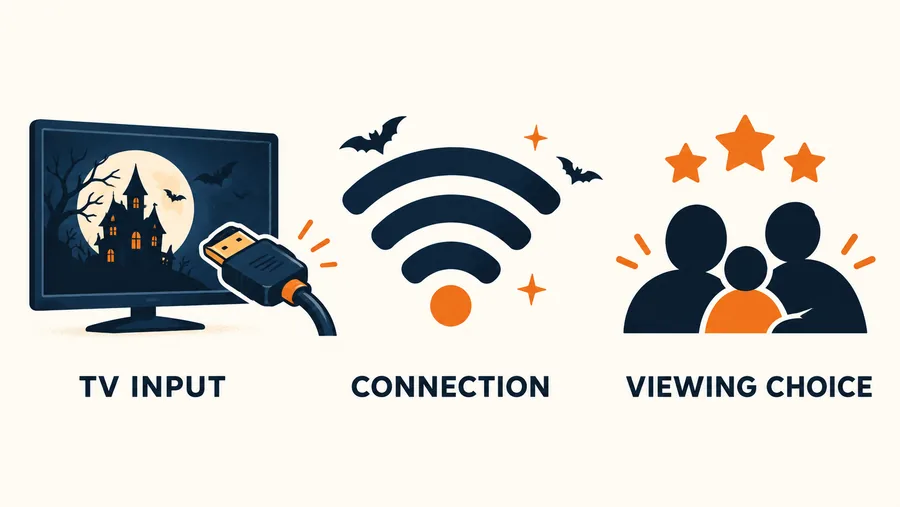
SuperBox S8 is a device purchase, not a promise that every Halloween film on every service is included. Built-in or compatible apps may offer live or on-demand options, but titles, channels and rights can change. Some third-party services require separate accounts, subscriptions or rental payments. The SuperBox subscription explainer distinguishes the box from the services you choose to use.
Use legitimate sources for any movie you show. Owning a streaming box does not grant rights to an unauthorized copy, and an app advertising “every new movie free forever” deserves scrutiny. If the distinction between a legal device and licensed content is unclear, the is superbox legal guide explains the issue without claiming every possible stream is authorized.
A simple Halloween movie-night plan
- Two or three days before: agree on the audience and age range, then shortlist titles you can verify in the intended app or service.
- The day before: test the SuperBox S8 Max on the actual TV, check sound and network stability, and identify a second legitimate option.
- On Halloween: start a little early, keep the remote handy, leave room for visitors and snacks, and let the film—not the troubleshooting—set the mood.
That is all the technology your Halloween movie night really needs. If you are shopping for a box you will use after the decorations come down, revisit the SuperBox S8 lineup for everyday viewing and choose a model for your regular habits, not just one party. At checkout, try code SP10 for a 10% discount if your order is eligible; confirm the offer and final total before paying.