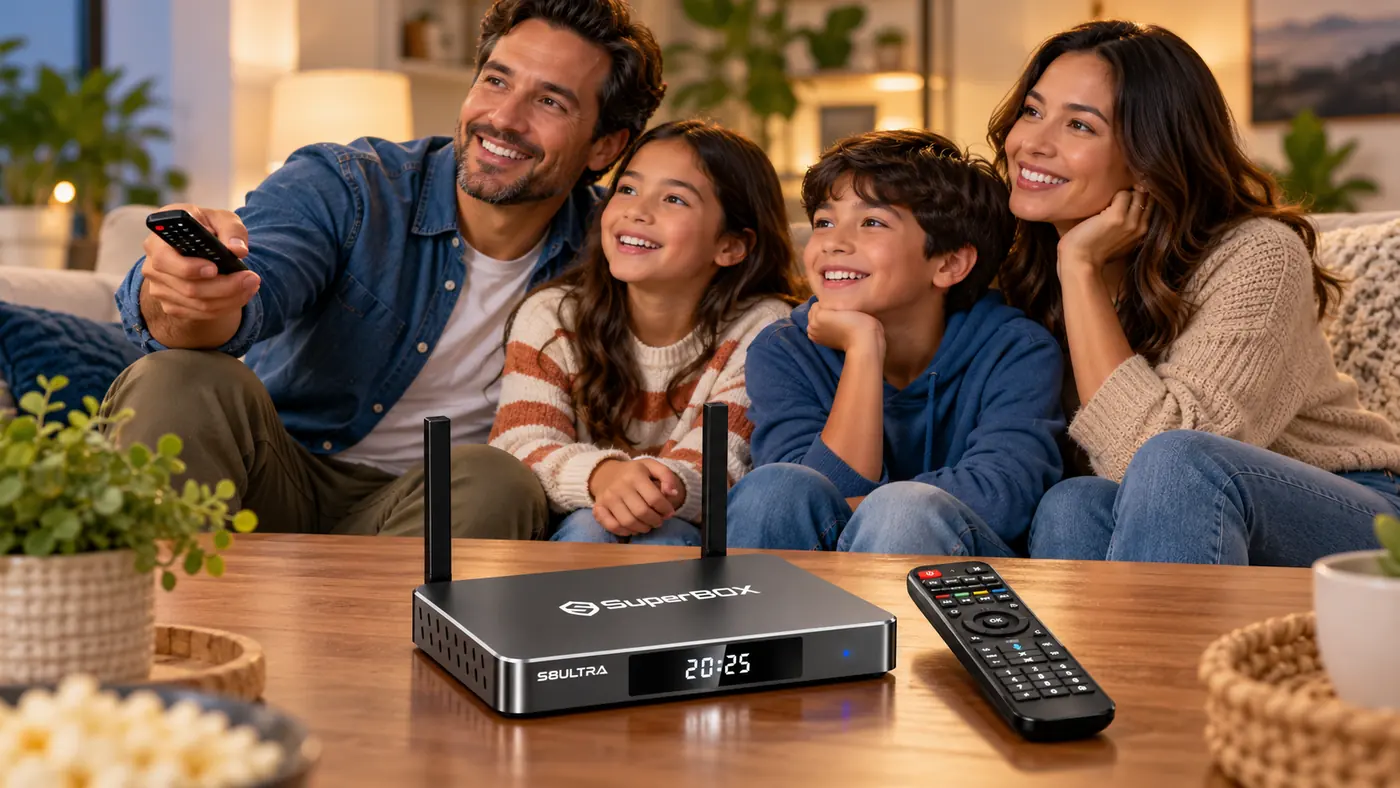
SuperBox Streaming Device: Is a Separate Box Worth It for Your Smart TV?
A SuperBox Streaming Device makes a different promise from buying a new television: keep the screen you like, but use a separate media box for navigation, compatible apps, network access, and viewing features. That can be appealing even when the TV already has a smart menu. The question is whether the extra hardware improves your actual viewing routine enough to justify another device and remote.
Before you compare specifications, look at the available SuperBox streaming devices and ask what your current TV is failing to do. A slow menu, limited storage, and awkward app navigation suggest one kind of upgrade. A broken screen, missing internet service, or unsupported content rights are different problems entirely.
What You Are Really Buying
A television with built-in apps combines the display and its software platform in one product. A separate streamer lets you replace or update the media interface without replacing the screen. Your television remains the display; the box connects through HDMI and uses its own processing, storage, network connection, and remote. That independence is the central reason to consider a device in this category.
It is not, by itself, a reason to buy. If your TV’s current apps load quickly, offer the services you use, and are easy for your household to navigate, an additional box may be unnecessary. If you are still learning the SuperBox S8 range, the SuperBox S8 series review gives model context without assuming that every family needs the premium option.
The Five Questions That Separate a Useful Upgrade From Extra Clutter
1. Do you want a different everyday interface?
Many buying decisions start with a simple annoyance: it takes too many clicks to reach the program you want. A dedicated box can put its own home screen and compatible apps in front of you instead of the TV manufacturer’s menu. That is valuable only if you prefer the box’s organization and remote behavior. Ask to see the current software on the exact model rather than relying on an old screenshot or a generic “Android TV box” label.
A SuperBox Streaming Device interface should make daily viewing easier, not add another menu to manage.
2. Do you need more room for compatible apps or local files?
Storage matters for installed applications, certain downloads, and local media. It is not the same as faster internet, and doubling storage does not automatically improve picture quality. SuperBox S8 listings show different storage tiers, so the right choice depends on what you keep on the device. The SuperBox S8 storage guide helps avoid paying for capacity you will not use—or buying too little for your plans.
3. How important is a wired network connection?
A stable connection at the TV can matter more than an impressive headline speed. The SuperBox S8 product listings include Wi-Fi 6 and Gigabit Ethernet, giving buyers a wired option when their room allows it. That is a practical difference from relying only on a TV’s built-in wireless connection, but neither connection type can guarantee a source service will always stream smoothly.
4. What do you actually want to watch?
SuperBox presents built-in live and on-demand viewing options alongside compatible apps. The catalog is not a fixed promise that every named channel, sport, movie, or series will remain available in every location. If content variety is your main reason for buying, read the site’s superbox channels discussion, then verify the current apps and availability for your region before checkout.
Blue TV is one part of the current SuperBox S8 streaming experience described by this retailer. The SuperBox S8 Blue TV guide explains its interface and viewing tools in more detail. Treat any app library as software that can change, not as a lifetime guarantee of particular programming.
5. Will the whole household use it?
A device that suits one tech-savvy viewer may frustrate everyone else if they cannot find the right input, remote, or favorite app. Think about the person who watches most often, the TV’s audio path, and whether you will keep the original TV remote nearby. Good buying decisions come from the living room routine, not a processor benchmark alone.
Cost: Device Price Is Not the Entire Viewing Budget
Separate three expenses: the hardware purchase, your internet service, and any third-party subscriptions you choose. The box can be used as hardware without a mandatory monthly device rental, but internet access is still needed for online services, and outside apps can set their own fees. The SuperBox subscription guide explains those distinctions before an offer is mistaken for “everything free forever.”
Decide what your family uses before comparing device prices.
There is also an opportunity cost: another piece of hardware to power, update, and troubleshoot. If the additional interface will be used only once a month, that may not be worth it. If your household watches every evening, better navigation and a preferred set of tools may matter more than the difference between two storage tiers.
Which SuperBox S8 Model Fits the Dedicated-Device Case?
The Super Box S8 range spans several configurations. The SuperBox S8 Ultra Streaming Device is the higher-storage option listed with 128GB eMMC and a backlit voice remote. That is attractive if you expect to keep more compatible apps or local files and prefer a remote that is easier to see in a dark room. It is not automatically the right purchase if you use only a few services and watch with the lights on.
The SuperBox S8 Max is the 64GB alternative. Our SuperBox S8 Max family review is useful if you want to see how that model is positioned for shared, everyday viewing rather than treating the top specification as a universal recommendation.
Whatever model you choose, confirm your TV has a working HDMI input and that you can power the box and get it online. A product page can tell you what the device supports; your room determines whether the setup is convenient.
An HDMI input and a sensible cable path are more useful than a specification you will never use.
Buy the Seller as Carefully as the Box
A convincing price is not enough. Confirm the exact model name, seller identity, return window, warranty terms, and where you will ask for help. The site’s authorized-seller verification checklist is worth using even if you are not buying here. A separate device is more reassuring when you know who handles delivery and after-sales questions.
Also keep device ownership separate from content rights. Buying a legal piece of hardware does not grant rights to every stream a third-party app might display. The is superbox legal article explores that distinction. Use legitimate sources and avoid assuming that an app’s presence on a device confirms authorization for every program.
A Simple Decision Rule
Your situation
Most useful next step
Your smart TV already does everything you need
Keep using it; do not buy merely for a newer label.
Your TV interface is frustrating, but the screen is good
Compare a separate media box’s interface, remote, apps, and seller support.
Your Wi-Fi at the TV is unreliable
Test the network first; consider a wired connection if practical.
Your TV has no working compatible input
Resolve the display connection before ordering a box.
Frequently Asked Questions
Is a SuperBox the same as my TV’s built-in smart platform?
No. It is separate hardware with its own interface and remote. Your TV acts as the display when connected through HDMI.
Does a dedicated streaming box guarantee every app?
No. App support, software versions, regional availability, subscriptions, and content rights vary. Verify the services you care about before purchasing.
Should I buy the most expensive model?
Not by default. Choose storage, remote features, connection options, and after-sales terms that fit your actual use. A higher specification is useful only when it solves a problem you have.
Is a SuperBox Streaming Device Worth It? The Bottom Line
A SuperBox Streaming Device can be a worthwhile dedicated option when you want a separate interface, a wired-network option, and a model whose storage and remote match your viewing habits. It is less compelling when your current TV already makes every show easy to reach. Compare the current SuperBox TV box choices against your own room and the services you actually use, not an imaginary perfect setup.
If you decide the premium model fits, try SP10 at checkout for 10% off eligible orders. Check the final order summary to confirm the promotion applies before you pay.