
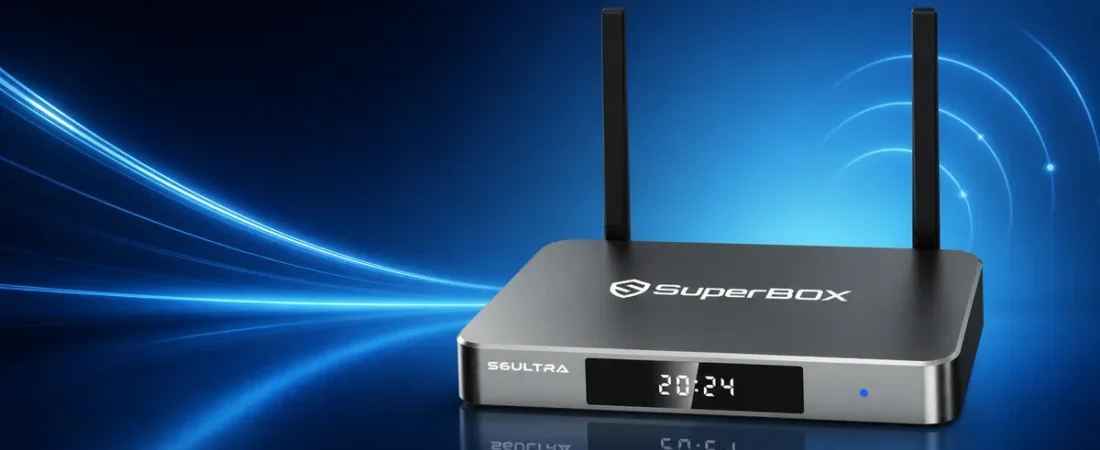
A SuperBox is a compact media box that connects to a compatible TV or monitor through HDMI. It adds its own operating interface, network connection, storage and support for compatible apps, so you can use the display for more than its built-in smart-TV features.
If you are asking what is a SuperBox or how does a SuperBox work, the short answer is that it sits between your internet connection and your television. The box processes the interface and compatible media, while the TV acts as the screen and audio output. This guide explains the hardware, connection process, everyday operation and practical limits without assuming that you already know how media boxes work.
SuperBox at a glance
- Connects to a TV or monitor with HDMI.
- Uses WiFi or Ethernet for internet access.
- Provides its own interface, processor, memory and storage.
- Runs compatible apps and supported media sources.
- Is controlled with the included remote and, on supported models, voice commands.
- Does not automatically include every app, service or subscription.
What is a SuperBox for TV?
A SuperBox for TV is an external computing device made for home entertainment. It is similar in concept to other Android-based media boxes: the hardware contains a processor, memory, internal storage, network components and software that create an interface on your television.
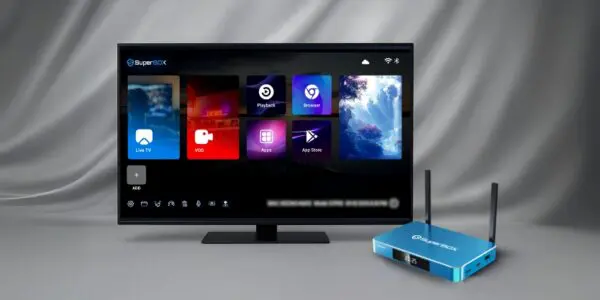
The television does not need to run the SuperBox software itself. After you connect the box to an available HDMI input, the TV displays the video and audio signal produced by the box. This means a compatible television can use the SuperBox interface even when its original smart-TV platform is older, limited or simply not the interface you prefer.
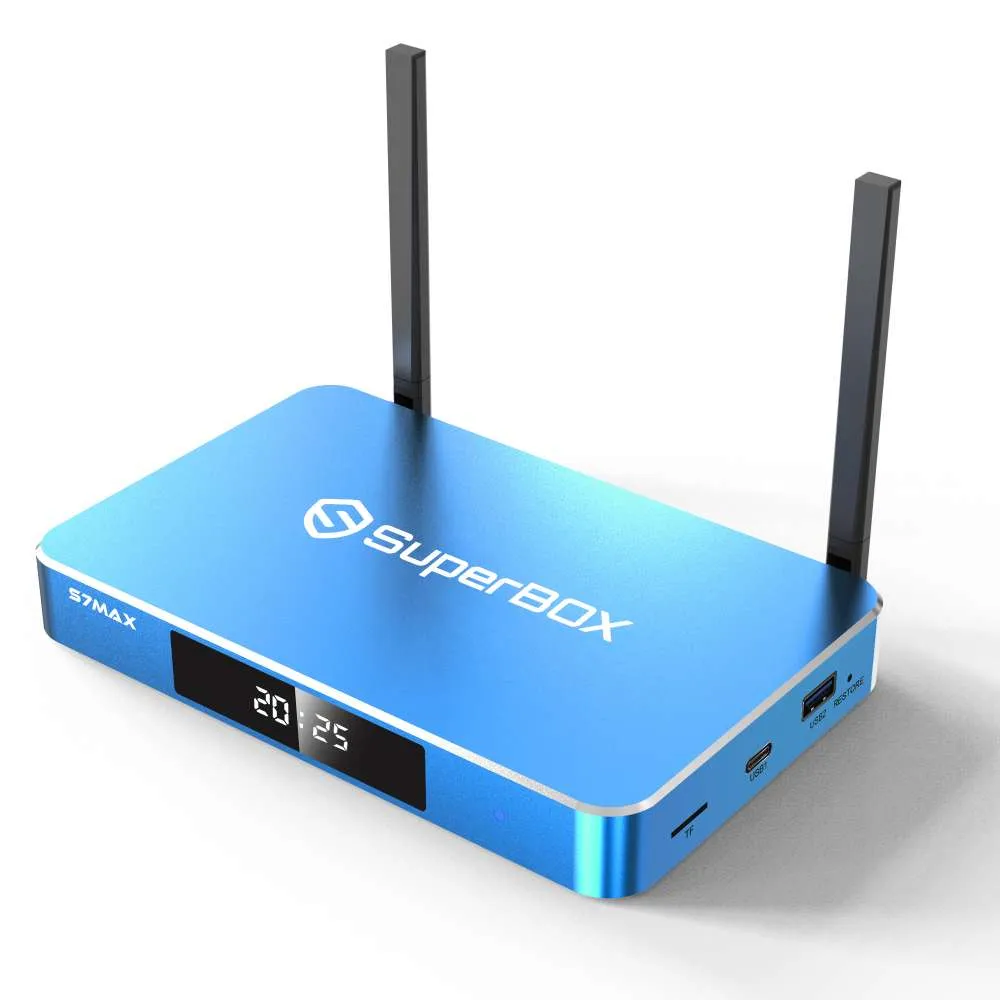
SuperBox is the device and hardware platform; it is not the same thing as an internet provider or a guarantee that a particular third-party service will be available. Apps, subscriptions, media sources and regional availability can change independently of the hardware. Always use compatible software and content sources you are authorized to access.
How does a SuperBox work?
A SuperBox works through five basic stages: connection, startup, networking, software selection and playback. Understanding those stages makes setup and troubleshooting much easier.
1. HDMI sends the picture and sound to your TV
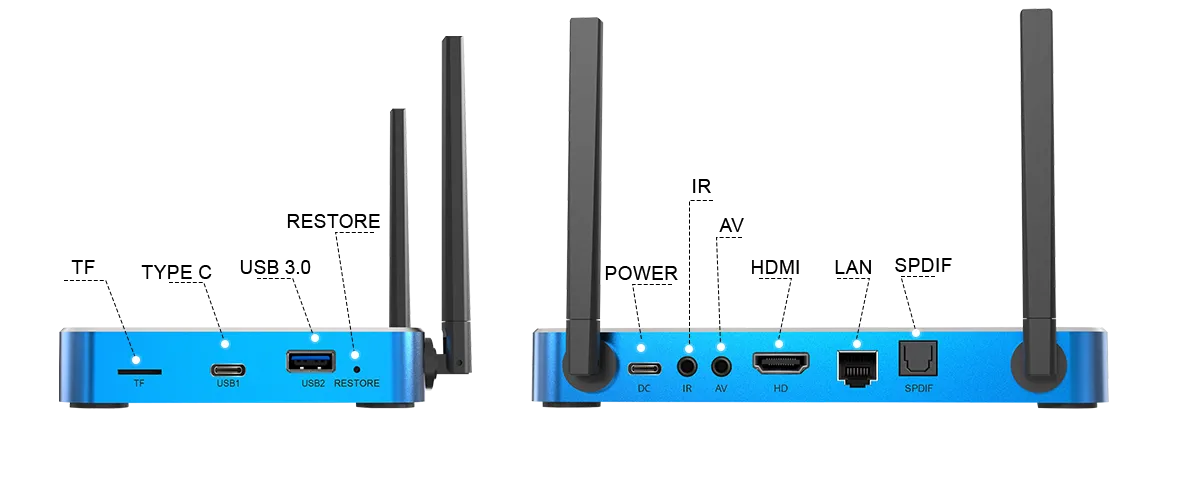
The HDMI cable carries the box’s video and audio output to the television. After connecting the cable, select the matching HDMI input with your TV remote. If the box is connected to HDMI 2, for example, the television must also be set to HDMI 2.
2. The box starts its own operating interface
When power is connected, the SuperBox boots from its internal storage and displays its own home screen. The processor handles navigation and compatible media tasks, memory supports active processes, and internal storage holds the operating software, settings and supported apps.
3. WiFi or Ethernet connects it to the internet
Most online functions require an internet connection. You can select a WiFi network during setup or connect an Ethernet cable for a wired connection. Ethernet is often preferable when the router is nearby and you want the most consistent connection possible. WiFi is more flexible when running a cable is inconvenient.
4. Compatible apps provide specific functions
The operating interface lets you open installed apps and other supported software. What each app can do depends on that app, its provider, your region and any account or subscription requirements. A SuperBox does not remove those requirements, and third-party services are not included unless a product page or checkout offer explicitly says so.
5. The remote controls navigation and playback
The included remote is used to move through menus, enter settings and control supported playback. Remote features vary by model. Some current models support voice commands or a backlit design, while others use a more conventional remote. If you need help after setup, see our SuperBox Support Center.
What do you need to use a SuperBox?
- A compatible display: a TV or monitor with an available HDMI input.
- Power: use the supplied or model-approved power equipment.
- An internet connection: WiFi or Ethernet for online features.
- An HDMI cable: usually included with the standard package, but verify the individual listing.
- Accounts for chosen services: some compatible apps require a separate login or subscription.
- A stable network: required speed depends on the app, source quality, resolution and other network activity.
You do not necessarily need a new television. The important requirement is a compatible HDMI connection and a display resolution supported by both devices. Actual output quality also depends on the source media, app, HDMI cable and television—not only the maximum decoding specification listed for the box.
What does a SuperBox do in everyday use?
In everyday use, a SuperBox gives you one interface for launching compatible entertainment apps, playing supported media, adjusting device settings and moving between online and locally available content. Depending on the model and software, features may include voice navigation, parental controls, playback tools, external storage support and high-resolution video decoding.
Those features should be understood as capabilities rather than guaranteed access to particular content. Playback controls such as time shift depend on compatible software, services, programs and current provider functionality. The safest way to evaluate a model is to compare the hardware and clearly documented features, then confirm that the apps or services you intend to use support your location and account.
SuperBox versus a smart TV
| Feature | SuperBox | Smart TV platform |
|---|---|---|
| Location | Separate HDMI device | Built into the television |
| Upgrades | Replace the box without replacing the TV | Usually tied to the TV hardware |
| Storage and memory | Dedicated specifications vary by model | Varies by television |
| Network | WiFi and, on current models, Ethernet options | Depends on the television |
| Apps and services | Depends on compatible software, region and provider | Depends on the TV platform, region and provider |
A SuperBox does not replace the physical television. It adds another input source, much like a game console or disc player. You can continue using the TV’s built-in platform and switch to the SuperBox by changing HDMI inputs.
How to choose a SuperBox model
The most useful differences to compare are memory, internal storage, remote design, network ports, included accessories, price and current availability. More storage can provide additional room for compatible apps and files, but paying for the largest capacity is not necessary for every household.
Our current collection includes the S7 Prime, S7 Ultra, S7 Max and S7 Pro, along with previous-generation S6 listings for comparison. Visit the SuperBox Shop for current availability, or read our S7 Ultra vs. S7 Max vs. S7 Pro comparison for a closer look at storage, remote features and intended use.
Basic setup process
- Connect the SuperBox to an available HDMI input.
- Connect the approved power equipment and turn on the box.
- Select the matching HDMI input on your television.
- Pair or prepare the remote as directed for your model.
- Connect to WiFi or Ethernet.
- Complete the on-screen settings and install only compatible apps from supported sources.
- Test video, audio and remote operation before changing advanced settings.
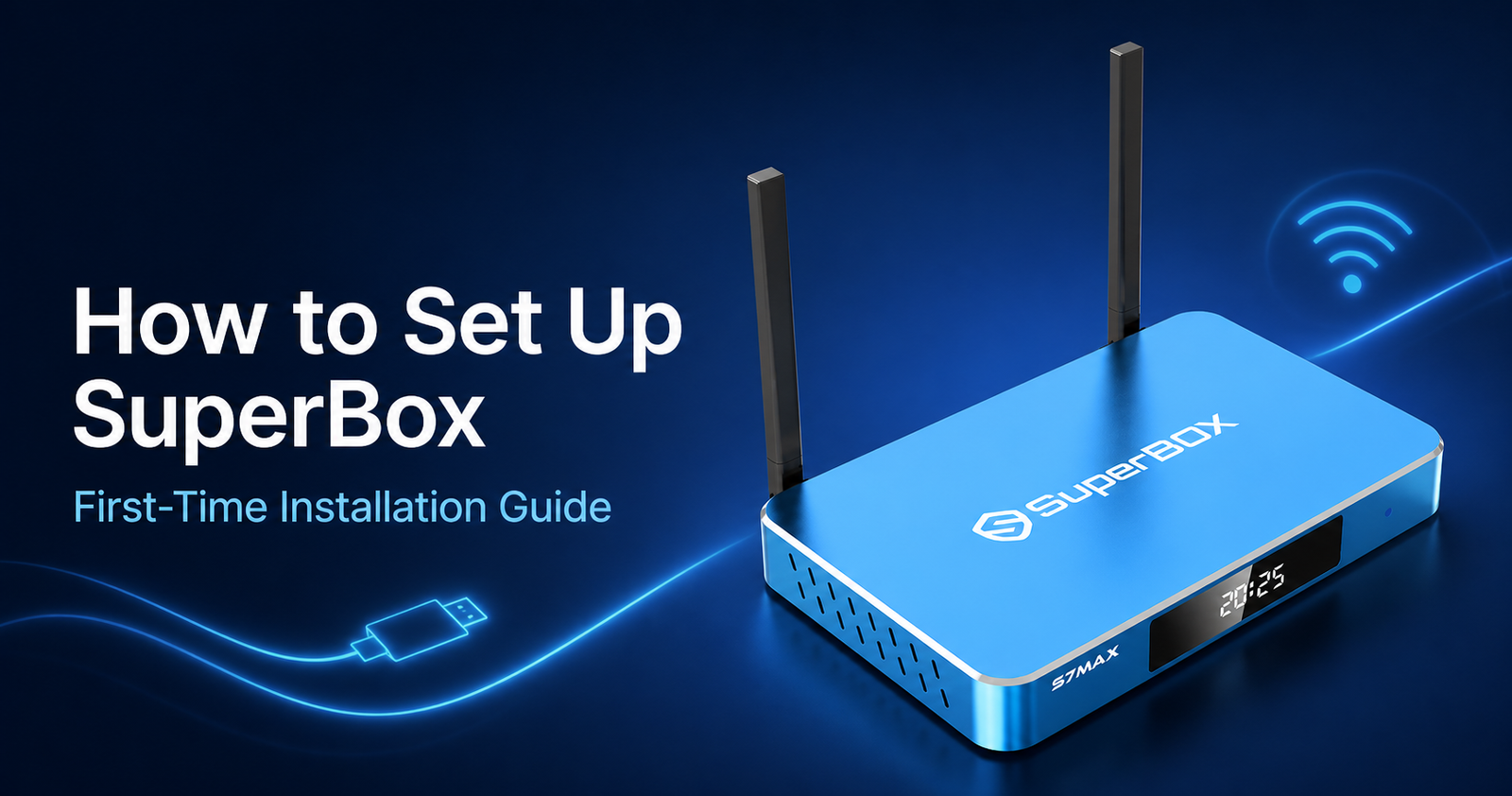
For screenshots, connection checks and troubleshooting order, follow our complete first-time SuperBox setup guide. It is better to confirm the picture, sound and network one step at a time than to change several settings at once.
Frequently asked questions
Does a SuperBox work with any TV?
It requires a compatible display with an available HDMI input. Resolution, HDR, audio and other advanced features depend on the complete setup, including the box, cable, display and source.
Does a SuperBox need internet?
Online apps and services require internet access. Some locally stored compatible media may work without an active connection, but software checks and other functions can still depend on internet access.
Is Ethernet better than WiFi?
Ethernet is often more consistent when the router is nearby. WiFi is convenient and can work well with a strong signal, suitable router and limited interference. The best choice depends on your home network.
Are subscriptions included with a SuperBox?
Do not assume that third-party subscriptions are included. Apps and service providers can require separate accounts, fees or regional eligibility. Rely on the current product page and checkout details for what is specifically included in an order.
Which SuperBox should I buy?
Choose based on storage, remote features, connectivity, current availability and budget. Buyers who want help comparing the current lineup can review the SuperBox collection or contact our authorized U.S. retail support team before ordering.
The bottom line
A SuperBox is a separate media computer for a compatible television. It receives your commands, uses WiFi or Ethernet for supported online functions, processes compatible apps and media, and sends the resulting picture and sound to the TV through HDMI. Its value comes from the hardware, interface, connectivity and flexibility—not from bypassing the requirements of third-party content or services.
Product capabilities, software features, app availability, playback quality and compatible services can vary by model, software version, provider, source content, display, network and region. This website is an authorized U.S. retailer and is not presented as the manufacturer’s official website.