
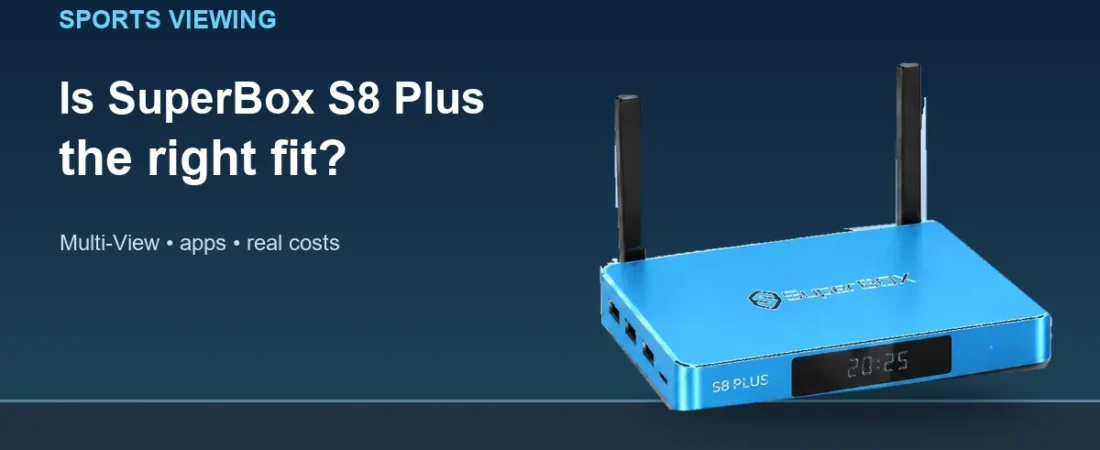
Quick answer: SuperBox S8 Plus for sports fans makes sense if you mainly watch one event at a time, want a 64GB streaming box, and may use Multi-View on the eligible PPV and ESPN channels described in its current listing. If switching between a wider range of simultaneous live feeds is central to your routine, examine SuperBox S8 Max instead. Neither model guarantees that a particular game, league, channel, or app will be available when you want it.
The SuperBox S8 lineup for U.S. homes includes four models, so begin with your actual viewing habits.
The current SuperBox S8 choices show the available storage and price tiers, but the feature that matters most to a sports household may be how you use the screen on a busy evening.
Before buying, write down the two or three events you typically follow in the same week. Do you settle in for one full game? Do you keep a second score or live feed in view? Or do you expect to jump among several broadcasts? Those are different needs, and a product name alone does not answer them.
Start with the event, then consider the box
For a single live program, the question is usually simple: is the content available through an app or service you can lawfully access, and does your television and internet connection support comfortable playback? SuperBox S8 Plus is a separate Android-based media box with 4GB memory, 64GB eMMC storage, Wi-Fi 6 and Gigabit Ethernet listed on the retailer’s product page. It can connect to a compatible TV through HDMI, but the box does not create a subscription or broadcast right that you did not already have.
If you want a clearer sense of how live browsing is presented, the SuperBox S8 Blue TV guide describes the app’s viewing tools. Check what is actually offered on your device, in your region and on the day of the event; channel lists and software features can change.

A sports setup is easiest to judge when the television, seating and network are already in place. Picture quality depends on the source as well as the box. A dependable Ethernet connection can be useful when the router sits near the TV, while Wi-Fi may be more practical in a room where a cable run would be awkward.
What Multi-View on SuperBox S8 Plus really means
The current SuperBox S8 Plus listing describes Multi-View for PPV and ESPN channels and also lists picture-in-picture. That is a defined scope, not a promise that every sports stream in every app can be placed into a split-screen layout. The exact eligible channels, layout and behavior may depend on the installed app and software version.
Think of Multi-View as a question to verify, not an assumption to make from the word “sports.” If you follow a particular league or event, ask whether the relevant app and feed are supported. Two simultaneous video panels also make a small TV feel crowded; sitting distance and screen size matter. A familiar, single full-screen broadcast may be a better experience than forcing a split view onto a compact television.
Our SuperBox S8 Max and SuperBox S8 Plus comparison lays out the model-level distinctions. The main sports-relevant difference is that the current chart describes Multi-View for PPV and ESPN channels on SuperBox S8 Plus, while it describes broader channel support on SuperBox S8 Max. That distinction still does not guarantee access to any specific event.
Where SuperBox S8 Max changes the decision
SuperBox S8 Plus and SuperBox S8 Max both list 4GB memory and 64GB storage, but the seller currently lists different viewing-app features. SuperBox S8 Max lists an NFL app and wider Multi-View support; SuperBox S8 Plus does not list the NFL app. The two product listings currently show $379 for SuperBox S8 Plus and $399 for SuperBox S8 Max, before any applicable promotion. Prices can change, so check the live listing before ordering.
The useful question is whether those extra features match something you will actually use. If you routinely want a broader Multi-View selection or specifically need to investigate the listed NFL app, the extra spend may be justified. If your viewing is mostly one program at a time and the eligible PPV or ESPN Multi-View scope suits you, SuperBox S8 Plus may be the more economical choice.
The SuperBox S8 channel and streaming guide can help you separate a channel directory from an on-demand library. Treat it as a way to understand the categories, not as a permanent promise of sports rights, event schedules or free access.
Recording and catch-up need the same reality check
SuperBox S8 Plus lists built-in recording and a seven-day time-shift feature for supported content. That sounds useful when a game starts during dinner or work. Yet support for a particular program depends on the app and the content. Before planning around a recording, confirm that the option appears for the program you care about and check where a supported recording is stored.
For the evenings when live sports gives way to a movie or series, the SuperBox S8 Blue VOD walkthrough covers searching and browsing on-demand material. It is a separate viewing task from choosing a live event, and its available titles may change over time.
Do not plan a whole season on the assumption that recording, replay and Multi-View work identically in every app. Ask the seller about the exact feature and content combination you need. This is especially important if you are buying the box for one league rather than for a mix of general television and movies.
Check the television and network before game night
SuperBox S8 Plus lists up to 4K playback on compatible content and displays. A 4K television does not make a lower-resolution feed 4K, and a “6K” decoder label does not establish a 6K television output. Choose the screen setting that your TV and source actually support; there is little value in paying for a device feature that the rest of your viewing chain cannot use.
For a connection decision, the SuperBox S8 Wi-Fi and Ethernet guide focuses on router location, cable practicality and local signal quality. If another device on the same network also struggles, solve that network problem before assuming a new box will fix the stream.
What will the sports setup cost each month?
The hardware purchase is separate from internet service and any paid third-party app or viewing package. The retailer does not describe a mandatory monthly device subscription for ordinary SuperBox use, but that does not make a particular game, premium app or broadcaster free. The SuperBox subscription explainer sets out that distinction in more detail.
A realistic budget includes the device, your internet plan and any separate sports subscription you choose. It also includes the time to verify that the service you want supports your location and device. Avoid treating an advertised channel count as a substitute for a rights and availability check.
If you want a broader view of the brand before deciding on a sports setup, the superbox reviews article gathers general buyer questions about apps, everyday use and model fit. Sports availability should still be checked against your chosen service.
So, is SuperBox S8 Plus a good sports choice?
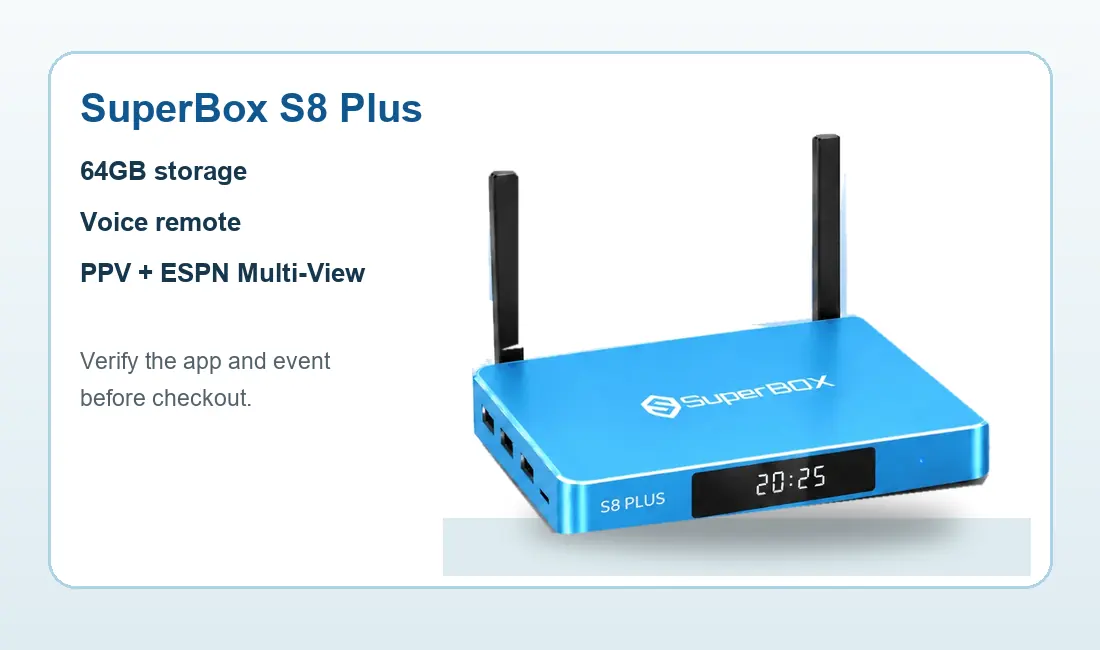
Choose SuperBox S8 Plus when its 64GB storage, voice remote and supported viewing tools suit your household and the narrower stated Multi-View scope is enough. Consider SuperBox S8 Max if the broader listed Multi-View support and NFL app are meaningful for your routine. Either way, confirm your chosen sports service, event access and current app support before paying.
If you are comparing the wider SuperBox TV box family, return to your real watch list and the latest model descriptions rather than assuming one model is best for every fan. Eligible orders may use code SP10 for a 10% discount; confirm that the offer applies to your order at checkout.
Related guide: See the SuperBox S8 model overview