

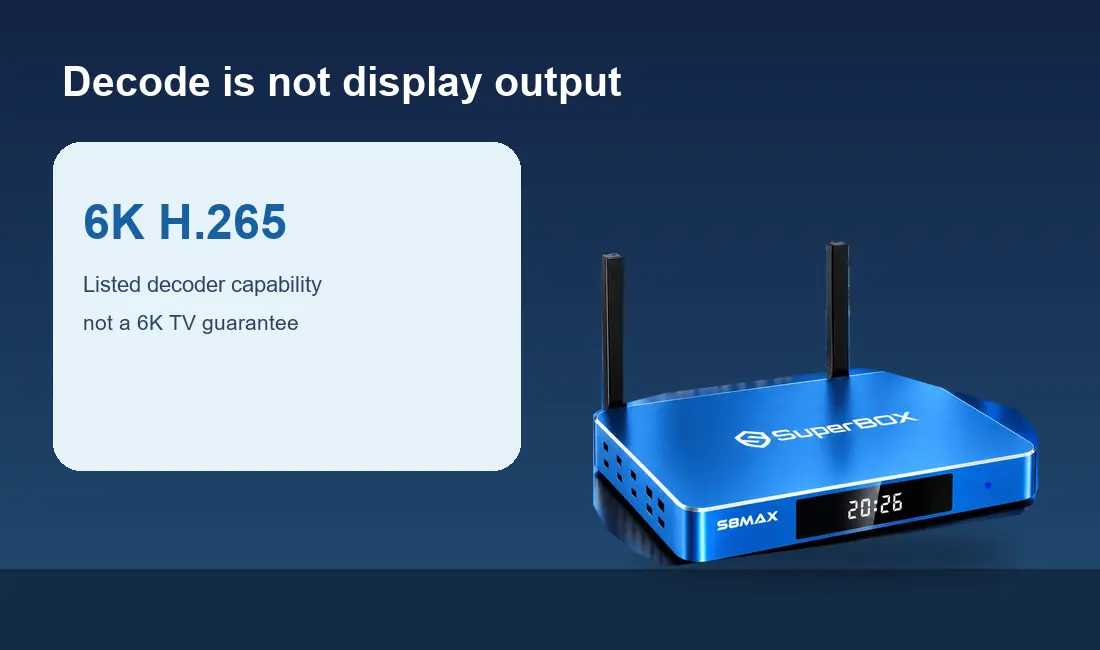
Short answer: The “6K” number on a SuperBox S8 specification sheet describes listed H.265 decoding capability. It does not mean that a SuperBox S8 box will deliver a 6K picture to every television. The current SuperBox S8 Max listing separately states up to 4K playback on compatible content and displays. For most buyers with a 4K TV, that playback statement is the useful one to read first.
The current SuperBox S8 range shows several hardware configurations.
If you are comparing them, the SuperBox model collection gives the live listings, but a prominent resolution number needs context before it becomes a buying reason.
A video picture passes through more than one stage: the file or stream is encoded, the box decodes it, its software and video path deliver a signal, and the TV displays the pixels it can show. Confusing those stages leads to a common question: does a 6K decoder turn a regular 4K television into a 6K screen? It cannot.
Decoder capability and on-screen resolution are different claims
The exact SuperBox S8 Max product listing has two separate lines: “Video Decoder: H.265 6K@60fps” and “Video Playback: Up to 4K on compatible content and displays.” The first describes a processing capability for a particular codec. The second is the practical playback claim for the TV setup described by the seller. Neither statement guarantees that a stream you select will arrive in that resolution.
H.265, also called HEVC, is a way to compress and decode video. Decoding a file is not the same as delivering a signal in that file’s original dimensions to your screen. The final result also depends on the app, video source, display and connection. The specification does not establish how every third-party app handles every file.

For a household shopping for a 4K television, the clearest question is therefore not “Which box has the largest printed K number?” Ask whether the box’s stated playback level, your television’s input and the content you actually watch line up. The SuperBox S8 Max review provides the broader model context; this guide stays focused on the resolution wording.
What a 4K TV can and cannot show
A 4K television has a fixed physical pixel grid. It can show a 4K picture when the viewing chain provides a compatible 4K signal and the content or app offers it. It cannot add genuine source detail that was never present in a lower-resolution stream. The TV may scale a lower-resolution image to fill the screen, but scaling does not turn it into true 4K source material.
This is why a bright “6K” mark on packaging should not be interpreted as a promise of 6K output, 6K channels or 6K movies. The current retailer wording for SuperBox S8 Max says up to 4K playback on compatible content and displays. If you need a precise HDMI output mode for a specialist display, ask the seller for a verified specification for that exact model and firmware version.
On a television with limited input options, the basics matter first. The SuperBox S8 older-TV checklist explains how to check HDMI availability before you buy. That question is separate from whether the panel is marketed as 4K.
Four links in the picture-quality chain
1. The source. A program, movie or live feed must actually be offered at the resolution you want. A streaming box cannot recover missing detail from a low-quality source. App catalogs and resolution tiers change, so check the service’s current terms rather than assuming every title has the same format.
2. The app. Different apps can have different device support, account requirements and playback limits. Even on one SuperBox S8 box, app A and app B may not behave identically. This is particularly relevant to premium services, which may require their own paid accounts.
3. The connection. A weak or congested home network can force a streaming app to lower its picture quality or pause. Wi-Fi 6 and Gigabit Ethernet are listed for SuperBox S8 Max, but neither label guarantees a fast internet plan or a good stream. Our SuperBox S8 network comparison helps you decide which route fits your TV location.
4. The display path. The box connects to the TV or another display via HDMI. Your TV input, cable, any receiver or switch in between, and display settings all need to cooperate. If you plan to use a projector, the SuperBox S8 projector checklist addresses that alternative viewing setup.
Does a higher number make SuperBox S8 Max the right purchase?
Not by itself. SuperBox S8 Max also lists 4GB memory, 64GB eMMC storage, a voice remote, Wi-Fi 6 and Gigabit Ethernet. Its built-in viewing apps and supported playback tools may be more useful day to day than an isolated decoder line. Those features should be judged against your own TV, network and viewing mix.
A 4K picture can be impressive on a capable display, but it cannot solve an audio-path problem. If a TV image appears without sound, start with the audio connection and selected output device. The SuperBox S8 picture-without-sound checks cover that separate issue.
If your household uses a soundbar, the signal route can become more complex. Read the SuperBox S8 Max soundbar planning guide before assuming that the box’s video specification also determines what your sound system will play.

Three checks worth making before checkout
First, find your TV’s model number and confirm it has a working HDMI input. Second, identify the apps or services you plan to use and check what resolution and account tier they actually offer on your equipment. Third, inspect the exact SuperBox S8 Max product listing for its current playback and decoder wording. If you need a feature the listing does not prove, ask for clarification before ordering.
There is no reason to buy an unverified promise of “6K channels” when your real aim is a reliable 4K or HD evening on the couch. The difference between decoding, playback and display helps you read the product page with confidence. The SuperBox S8 Max buying checklist covers the other purchase questions beyond screen resolution.
You can review the SuperBox S8 choices for your TV before deciding. Eligible orders may use code SP10 for a 10% discount; verify eligibility and the final total at checkout.
Related guide: Read the SuperBox S8 series review