
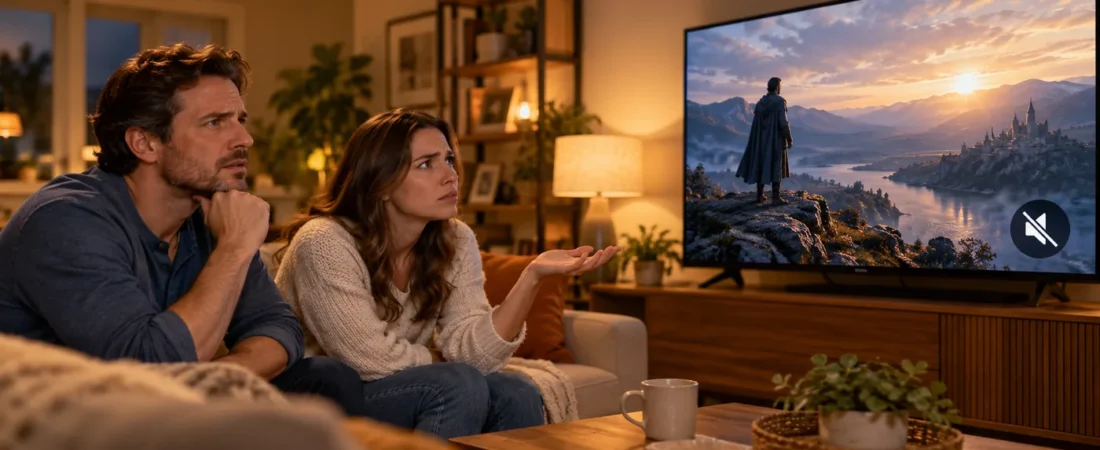
Quick answer: If your SuperBox S8 has picture but no sound, identify where the sound disappears before changing device settings. Check the TV’s mute and volume, try another program, then inspect the HDMI and any soundbar or receiver in the path. These are general home-theater checks, not a guaranteed repair or a model-specific settings sequence.
If you are still getting to know the SuperBox streaming experience, it helps to separate the television, the HDMI connection, the audio equipment, and the app. Each can produce the same symptom for a different reason.
Before buying replacement accessories, compare the current SuperBox S8 lineup and keep the model name and order details nearby if you later need support.
First, decide whether the silence affects everything
Play a short video or channel you know normally has sound. Then try a different program or app. If one item is silent but another plays normally, the TV, HDMI cable, and speakers are probably capable of delivering sound; the issue may be limited to that program or app. Content availability and playback behavior can change, so avoid assuming a whole device has failed from one silent stream.
If every app is silent, try the TV’s own menu or another TV source. Sound from the TV’s built-in source narrows the investigation to the external-device path. If the TV is silent on all sources, begin with its sound settings or speaker system instead.
The distinction is similar to the one used in our broader SuperBox not working troubleshooting guide: isolate the symptom first, then change one thing at a time.
Check the simple TV controls before touching device settings
Confirm that the television is not muted and that its volume is audible. If you have a soundbar or AV receiver, check its volume and selected input separately. Some households use more than one remote, and it is easy to raise the volume on the wrong piece of equipment.
If the SuperBox remote also fails to navigate the device, that is a separate clue. Check the SuperBox S8 remote pairing guide before assuming the speaker has failed; remote pairing does not itself diagnose the TV’s volume or soundbar input.

If you have just installed your device, revisit the HDMI and television-input basics in our first-time SuperBox setup guide. A picture confirms that some video information is arriving; it does not prove that the whole audio chain is configured correctly.
Trace the HDMI path
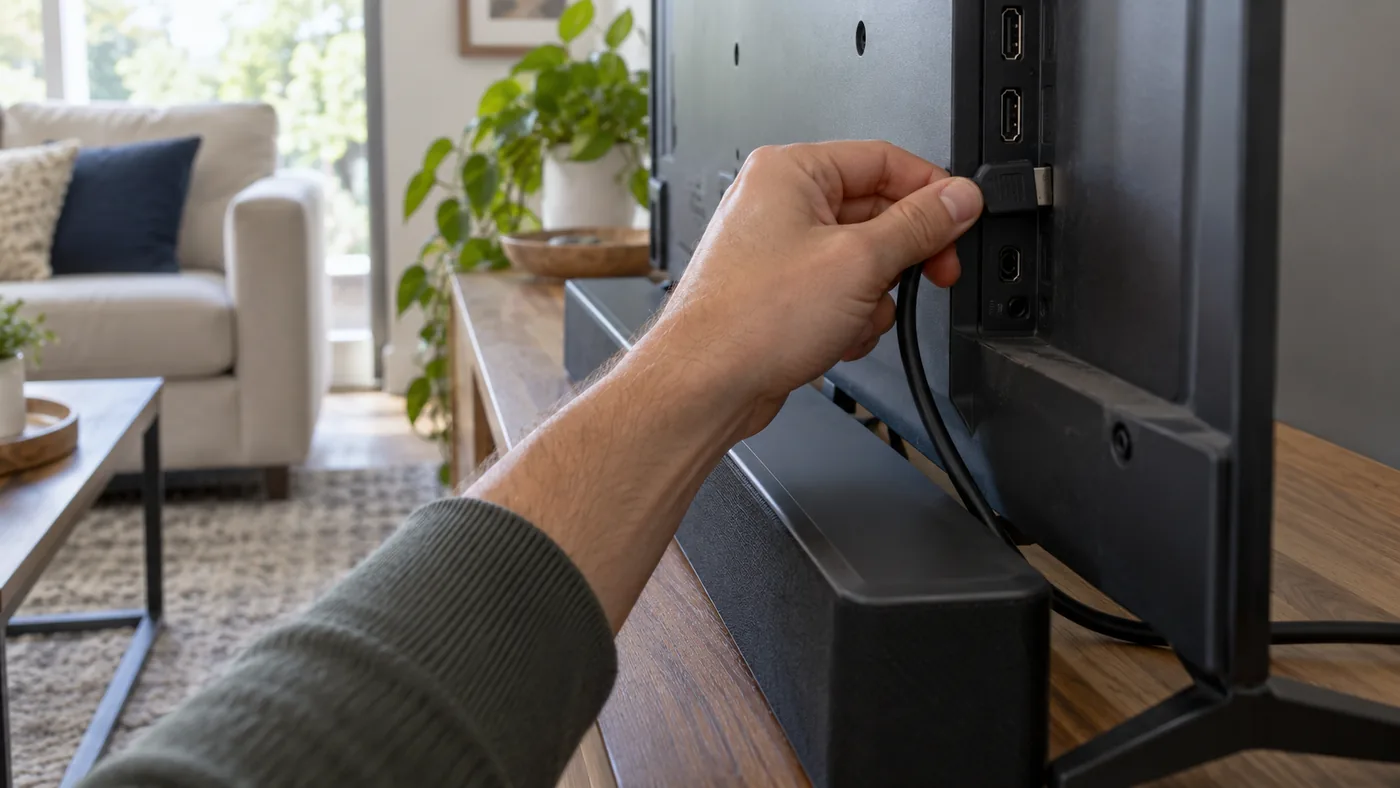
Turn off the TV and connected equipment before reseating cables. Check that the HDMI cable sits securely at both ends and is not visibly damaged. Then restart the equipment and test sound again. Our site’s SuperBox support guidance recommends checking the HDMI connection and trying another compatible TV input for display problems; the same connection is a sensible thing to inspect when a picture is present but sound is absent.
If there is a receiver, HDMI switch, or soundbar between the device and the TV, note that extra link. Where your setup permits it, testing a direct connection to the TV can help identify whether the intermediate equipment is the source of the problem. Restore the original connection after the test if you prefer it.
An older television can introduce its own compatibility questions. Our SuperBox S8 older-TV HDMI checklist covers that setup from the display side.
What if the soundbar works on other sources?
That is useful evidence, but it is not a final diagnosis. Verify which device feeds the soundbar and which input the soundbar is listening to. A TV may send audio through its own speakers, an external audio device, or a receiver depending on the household setup. Rather than guessing a SuperBox S8 menu path, consult the TV or soundbar instructions for the actual model in your room.
Test with the TV’s own speakers if that is practical. If sound returns there, focus on the external audio route. If it does not, return to the program-versus-all-apps test and the HDMI connection.
Do not jump straight to a factory reset
A factory reset can remove local settings and require setup again. It is disproportionate when the cause may be a mute button, a single stream, or the soundbar’s input. We have not verified a model-specific SuperBox S8 audio-settings path or reset procedure that would make a reset a reliable first fix for this symptom. Avoid unofficial firmware files or random APK downloads offered as “audio repairs.”
If the device was recently unboxed, the SuperBox S8 Max unboxing and setup walkthrough can help you review the basic connection sequence without changing advanced settings.
SuperBox S8 has picture but no sound: When to contact support
After these checks, write down what you observed: whether the TV has sound on its own source, whether one app or every app is silent, whether the HDMI cable was reseated, and whether a soundbar or receiver is involved. Include your exact full model name, such as SuperBox S8 Max, rather than saying only “the box.” That makes it easier for a support agent to avoid giving you instructions for a different model.
If you purchased from this store, our SuperBox S8 warranty and support explainer outlines where to find order and coverage details. Do not open the case or attempt electrical repair as a home troubleshooting step.

Common questions
Why does my SuperBox S8 have sound in one app but not another?
If your SuperBox S8 has picture but no sound in just one app, that pattern suggests the TV’s basic speaker path is working. Compare a second program within the affected app, then check whether the problem is temporary before changing system-wide settings. It does not prove a particular app is defective.
Should I buy a new SuperBox S8 because there is no sound?
Not before isolating the TV, audio equipment, HDMI cable, and program. A replacement device will not fix a muted television or incorrectly selected soundbar input.
Can Wi-Fi cause a picture-with-no-sound problem?
Connection trouble often shows up as loading, buffering, or disrupted playback rather than a consistently silent TV across every source. If the video is also stuttering, the SuperBox S8 Wi-Fi versus Ethernet guide is a better next step.
Bottom line
For a SuperBox S8 with picture but no sound, start with the TV and audio equipment, compare more than one program, and then trace the HDMI path. Keep notes on which test changes the result. You can review the available SuperBox devices and support routes if your diagnosis points beyond the TV setup.