
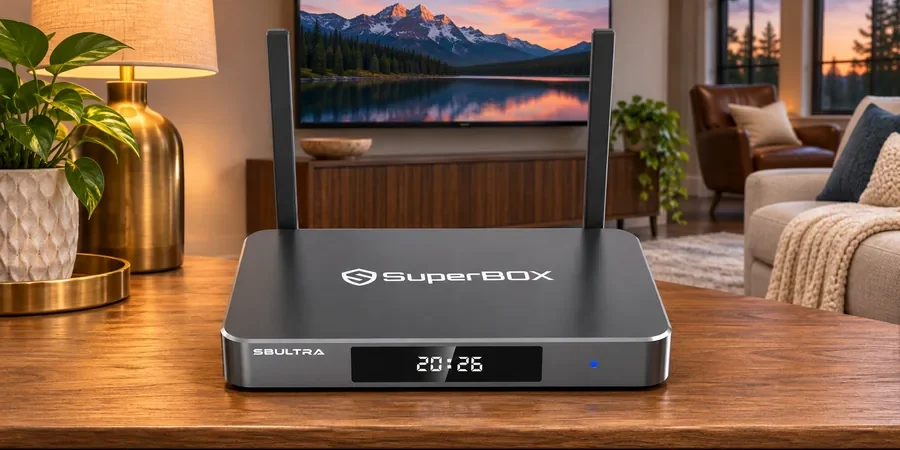
The SuperBox S8 voice remote can save time when it works with the feature you want, but the word “voice” on a product listing does not mean every app accepts every spoken request. If you are looking through the SuperBox S8 TV box lineup, the useful question is where speech helps and where ordinary buttons remain necessary.
The current SuperBox S8 models include voice-command remotes according to the store’s model comparison. SuperBox S8 Ultra adds a backlit remote for easier button finding in a dim room. This article is about daily navigation and realistic expectations; the separate Bluetooth pairing process has its own guide.
The short answer
The seller describes voice control for supported searches, channel changes and app opening on SuperBox S8 Ultra. Actual behavior depends on the software and the app in focus. Treat voice as a shortcut to test on your own device, not as a guaranteed universal command layer. The directional pad, OK, Back and app controls still matter for choosing results and completing actions.
SuperBox S8 voice remote: start with the task
Imagine trying to find a movie after dinner. Voice may help you begin a search, but you still need to inspect the results, check the title and source, and decide whether a separate account or fee applies. The Blue VOD search and playback guide covers the on-screen browsing tools that remain useful even when speech is available.
Live TV presents a different task. Some app screens may accept a spoken channel request, while others may expect navigation in their own channel list. Avoid promising that a channel name or voice phrase will work in every app or region. If finding programs is your main goal, the SuperBox S8 Blue TV guide explains the app-side viewing features.
What the product listings actually establish
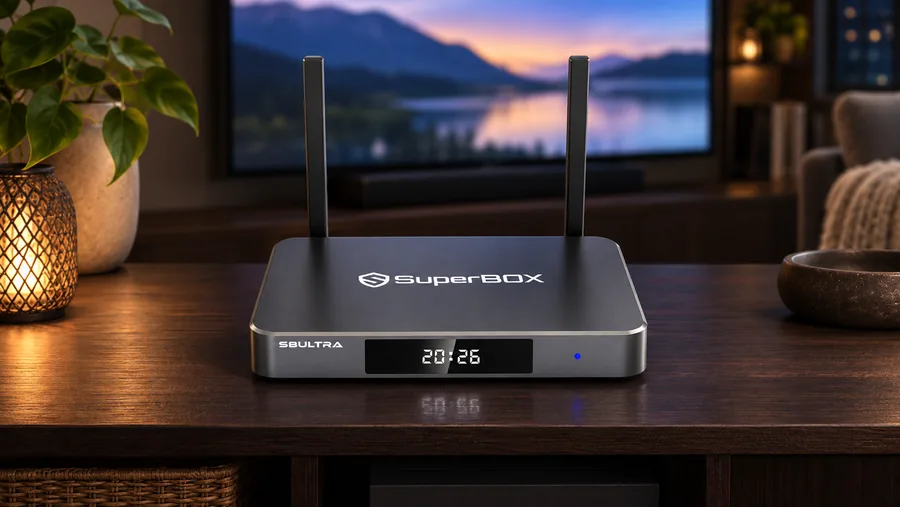
The current SuperBox S8 Ultra listing identifies a backlit voice remote and says voice commands can be used for supported content search, channel switching and app opening. The seller’s SuperBox S8 Max listing identifies a standard voice remote without backlighting and notes that voice features depend on the supported app or feature. Those descriptions support the existence of voice capability; they do not establish an exhaustive command vocabulary or identical behavior across every service.
Backlighting is separate from voice recognition. A backlit remote makes its physical keys easier to find in low light, while voice control is a way to request a supported action. If evening viewing is your main consideration, the SuperBox S8 Ultra feature review discusses the remote alongside storage and other reasons buyers consider that model.
For a person who prefers buttons, the voice feature is optional. Many people find it faster to press a familiar navigation key, especially when selecting a program from several similar results. A remote that supports speech still needs an ordinary way to move around the interface.
If the remote does not respond, separate two problems
First, ask whether any button works. A remote that does not navigate at all may have a power, connection or pairing issue. A remote that navigates normally but does not respond to speech presents a narrower problem: the voice feature may be unavailable in the current app, or the voice connection may need attention. Do not reset the whole box or download an unofficial app merely because one spoken request failed.
Our SuperBox S8 remote pairing guide is the appropriate next step for connection symptoms. Follow only the documented process for your exact remote and software version. If the on-screen steps differ, use the seller’s support channel instead of guessing at a button combination.
Questions worth asking before you buy
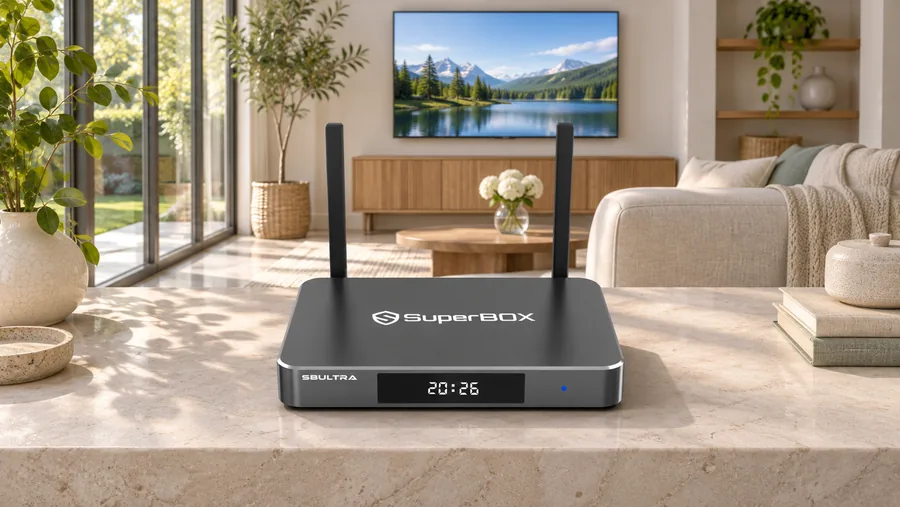
Ask which version of the remote ships with the exact model in your cart. Confirm whether backlighting matters to your household, and which apps you expect to control by voice. Then check whether the main thing you watch is actually available through a supported app. For families setting up a device for someone else, our SuperBox S8 guide for parents emphasizes leaving an interface they can use confidently without help.
A voice command should not be confused with free access to a program. A search result may point to a service that needs a separate membership. The Netflix and SuperBox S8 explanation is a good example: Netflix viewing uses your own paid Netflix account, even if the app is available on the device.
Likewise, a microphone on a remote is not a reason to install random APK files. If an expected app or shortcut is missing, use the SuperBox S8 App Store checklist and current seller support before changing software.
Choosing a remote-friendly SuperBox S8 model
If your household watches mostly in low light and likes tactile controls, the backlit voice remote is a concrete reason to consider SuperBox S8 Ultra. Its current listing also specifies 128GB eMMC storage, 4GB DDR memory, Wi-Fi 6 and Gigabit Ethernet. Those are separate buying factors; do not assume the remote alone makes streaming services faster or changes app rights.
If you do not need illuminated buttons, SuperBox S8 Max offers a standard voice-command remote on the current listing. Both options still benefit from a quick check of app availability and household habits before ordering.
Final takeaway
Use voice as a convenient way into supported searches and controls, while keeping the remote’s physical navigation in your normal routine. Test the specific app and task you care about, and ask for help if the remote’s behavior does not match your model’s documentation. The SuperBox S8 Ultra setup walkthrough
To compare the retailer’s current models and support options, return to the SuperBox S8 collection overview. At checkout, try code SP10 for a 10% discount on an eligible order, and verify the final price before paying.
Related guide: Explore the SuperBox S8 buying guide