

SuperBox S8 vs Roku is more than a choice between two ways to open streaming apps. For a household that moves from morning news to live sports and then movies or TV series, the SuperBox S8 Max brings Blue TV and Blue VOD into the same Android-based box, alongside its own storage and viewing controls. Roku is a strong route to familiar streaming services, but the SuperBox S8 Max deserves a closer look when your family wants a broader live-and-on-demand starting point. The right purchase still depends on the programs and apps you actually use.
If you are weighing a SuperBox TV box for family viewing, this guide compares the SuperBox S8 Max with two different Roku formats: Roku Streaming Stick 4K and Roku Ultra. They are not interchangeable Roku products; a stick and a set-top player have different connection and remote options. You can also inspect the available SuperBox S8 models before settling on a particular box.
Start with the family’s viewing habits, not just the hardware table
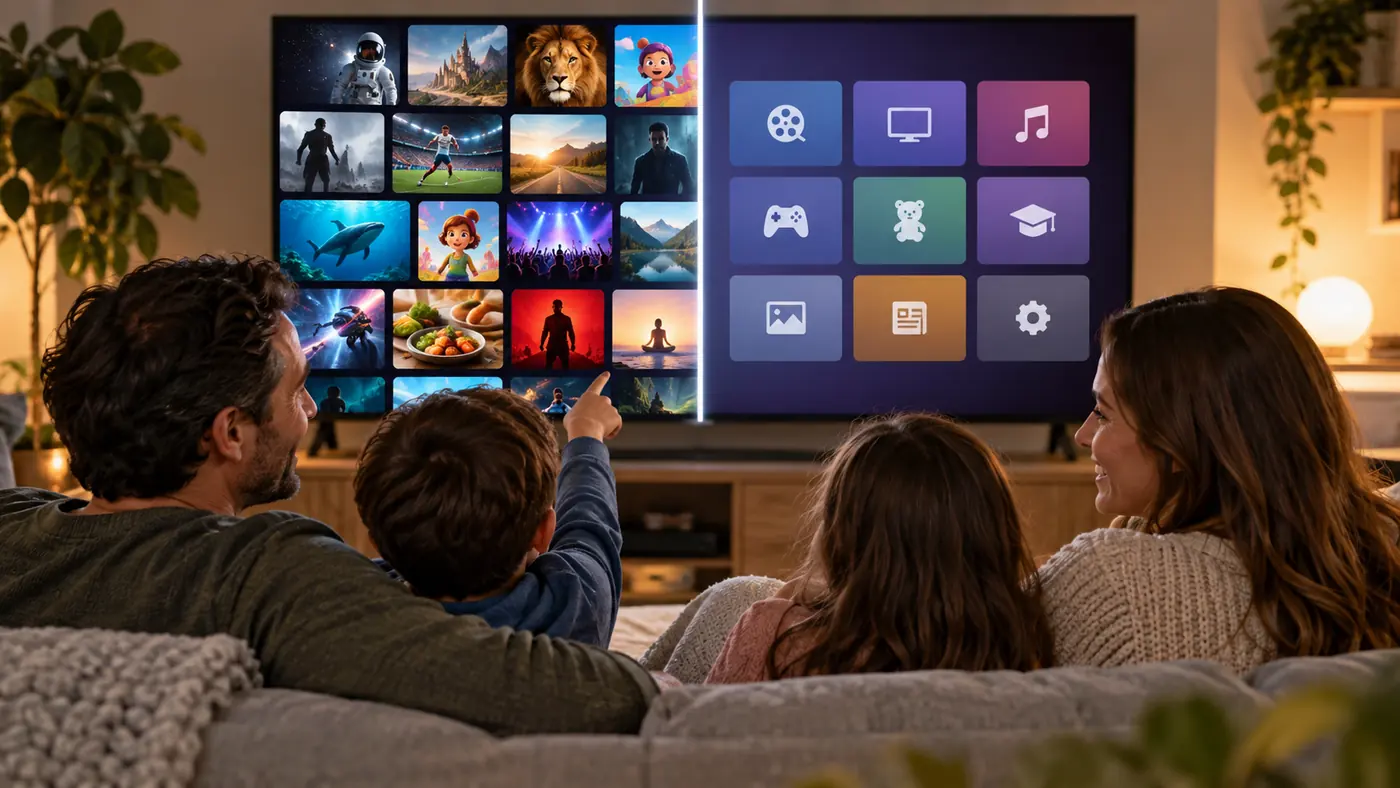
Write down what your household watches most: live news, sports, movies, series, children’s programming or a handful of specific subscription apps. On the current SuperBox S8 Max lineup, Blue TV is the live-channel app and Blue VOD is for browsing supported movies and TV series on demand. That combination makes the SuperBox S8 Max particularly interesting if your television is used for more than one type of viewing. Available categories and titles can change by app version, location and content rights, so confirm any must-have program before ordering.
The SuperBox S8 Max also offers 64GB storage, Wi-Fi 6, Ethernet, a voice remote and supported Multi-View and recording features on its current product listing. These are practical reasons to choose a full-size SuperBox TV box over a compact stick when several people share one screen. If your family only opens a few familiar subscription apps, Roku’s simpler app-first approach may be enough. Specific third-party apps, licensing and ongoing availability should still be checked one by one. If the brand is unfamiliar, our what is superbox explainer describes the device without treating it as a substitute for every paid service.
The most important buying mistake is assuming that any platform guarantees a particular movie, game, or channel forever. Rights change, apps update, and some content requires a separate paid subscription. Our SuperBox subscription and monthly-fee guide separates the cost of the hardware from internet access and optional third-party services.
SuperBox S8 vs Roku: the practical comparison
| Decision point | SuperBox S8 Max | Roku Streaming Stick 4K | Roku Ultra |
|---|---|---|---|
| Format | Set-top TV box | Small plug-in HDMI stick | Set-top streaming player |
| System approach | Android-based SuperBox interface and features | Roku channel platform | Roku channel platform |
| Network options confirmed | Wi-Fi 6 and Ethernet | Wireless connection | Wi-Fi 6 and Ethernet |
| Remote in current listings | Voice remote | Voice remote with TV controls | Rechargeable, backlit Voice Remote Pro |
| Local storage detail | 64GB eMMC listed | Not a comparable user-facing storage choice | Not a comparable user-facing storage choice |
| Best starting question | Do I want this box’s interface and viewing tools? | Do I want a compact route into mainstream apps? | Do I want Roku’s platform with wired networking and an upgraded remote? |
This table compares the current listed features, not measured speed or a promise about content. App availability, playback quality and remote behavior depend on the service, the TV and software version. “More storage” does not automatically mean a better picture, and “4K” on the packaging does not guarantee every stream is 4K.
Why SuperBox S8 Max may be the better family fit
The SuperBox S8 Max is a full-size box rather than a stick tucked behind the television. The seller lists 64GB eMMC storage, Gigabit Ethernet, Wi-Fi 6, and Multi-View, Picture-in-Picture and built-in recording features. Together with Blue TV for supported live channels and Blue VOD for on-demand browsing, those features make a more complete everyday entertainment case than storage alone. They are especially useful to consider if family members regularly switch between news, sports and films. Multi-View and recording still depend on the supported source, software and content permissions; they are not a promise that every app can be recorded or viewed in split screen.
For a more grounded look at how the box is positioned for ordinary households, see our SuperBox S8 Max family review. It is more useful to compare your own daily viewing habits with the device’s actual controls than to pick the model with the longest specification list.
SuperBox also offers a higher-storage option. The current SuperBox S8 Ultra listing describes 128GB storage and a backlit remote, while the SuperBox S8 Max lists 64GB storage and a voice remote. That is a model difference, not a reason to assume the SuperBox S8 Max remote has the same backlight or that more storage improves picture quality.
Where Roku can be the simpler answer
Roku Streaming Stick 4K is compact and uses the TV’s HDMI input without a separate box on the shelf. Roku Ultra is a larger player with Ethernet and a rechargeable backlit remote in Roku’s current listing. Both are designed around Roku’s channel platform. If everyone in the household already knows the services they want and values a familiar, constrained interface, that may outweigh the extra flexibility of an Android-based box.
Do not treat “Roku” as one specification sheet. The Roku Streaming Stick 4K does not become a Roku Ultra just because both share a software platform; the stick’s wireless-first design and the Ultra’s Ethernet port answer different room layouts. Likewise, a Roku device’s access to an app does not waive that app’s subscription fee. Comparing exact models and services is fairer than declaring one brand universally better.
More viewing choice without a mandatory device subscription
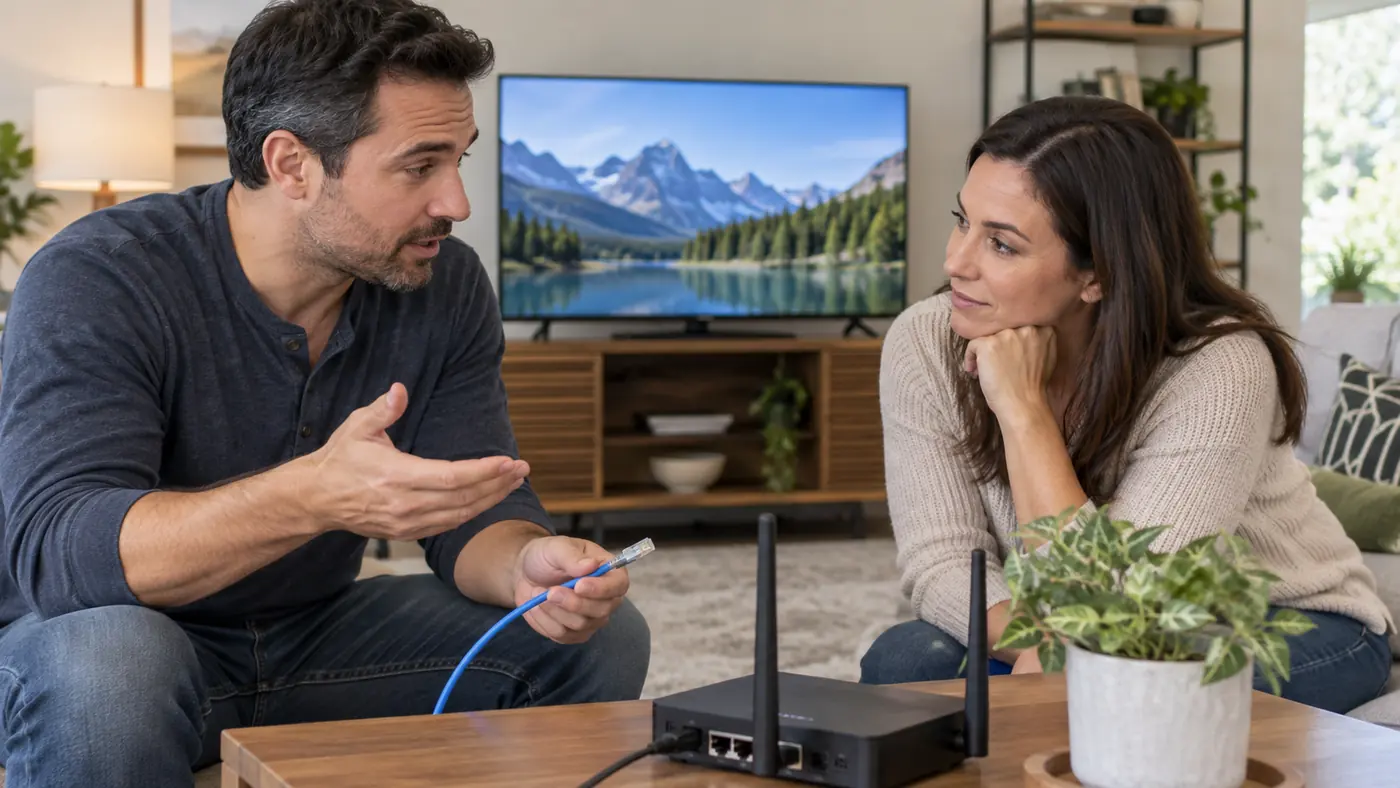
The current store describes SuperBox hardware as a one-time device purchase without a mandatory monthly device subscription. Blue TV and Blue VOD give SuperBox S8 Max owners separate ways to browse supported live channels and on-demand movies or series; news, sports and family entertainment are among the categories buyers can explore. That is a meaningful selling point for buyers reviewing their monthly entertainment spending, but it is not a promise that every title or event is included. Check your must-have content, region and provider first.
Our superbox channels guide explains how to evaluate channel information without assuming a permanent list. Roku also offers free, ad-supported options and paid services; neither device should be described as a universal pass to every show or sports event.
Legal ownership of a streaming player is different from the rights attached to a particular stream or app. If that distinction matters to your buying decision, the is superbox legal article discusses device legality and content authorization separately. Choose legitimate services and avoid unknown installers that promise more than a service is licensed to provide.
How a real household might decide
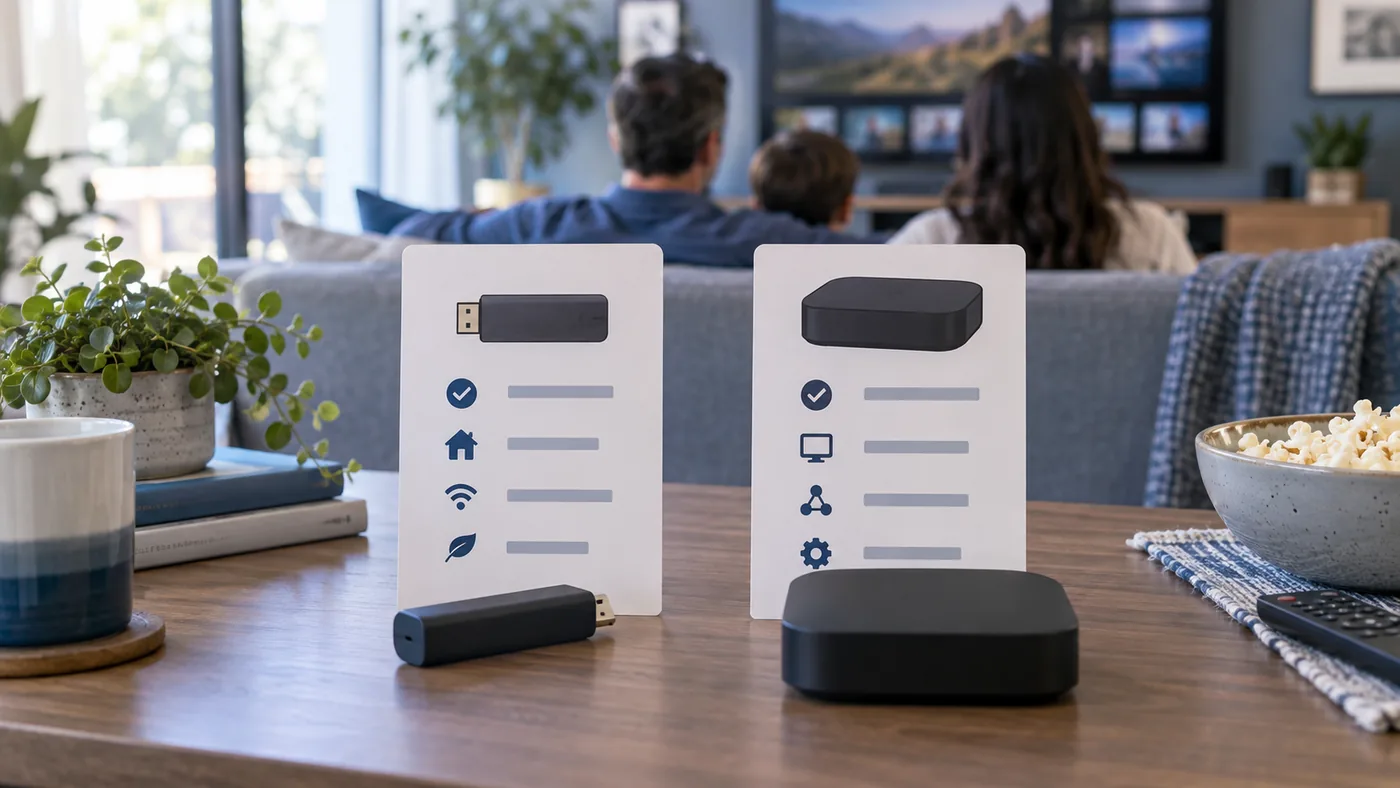
Start with SuperBox S8 Max if your household values both supported live TV and on-demand browsing, the listed 64GB storage, and flexible Wi-Fi or Ethernet placement. Choose Roku Streaming Stick 4K when a compact device and a few familiar Roku-supported apps are enough. Consider Roku Ultra if you prefer Roku’s platform but want the listed wired connection and premium remote. Compare the exact apps and services your family expects to use before deciding.
If you are replacing a cable package, compare the services and monthly costs you will actually keep. Our SuperBox S8 versus Xfinity-alternative guide provides a separate framework for that budget question. If you are still collecting broad impressions, the site’s superbox reviews article offers the bigger-picture context before you choose a model.
If SuperBox is your choice, check the seller and support terms as carefully as the hardware. Our where to buy SuperBox S8 guide explains what to verify before placing an order.
Bottom line
If your family wants a single box that brings supported live channels and on-demand browsing together with a voice remote, wired networking and local storage, the SuperBox S8 Max is the stronger fit to investigate first. Roku is still sensible if your household mainly wants a compact, familiar way to open specific subscription apps. Neither device guarantees every third-party channel or identical 4K playback on every television, and internet access or optional paid services are separate from the hardware. Review the current SuperBox choices for U.S. buyers with your app list and TV setup in hand, then pick the simpler fit.
Ready to order the SuperBox S8 Max? Enter SP10 at checkout for 10% off the eligible box, and confirm the discount in your cart before payment.
Related guide: See the SuperBox S8 model overview