

A SuperBox for TV can add a separate entertainment interface to a television you already own. But the most useful question before ordering is not simply whether your TV is “smart.” It is whether the screen, sound system, internet connection, and everyday viewing habits in your room will make the new box comfortable to use.
If you are comparing models, start with the current SuperBox TV box lineup and keep this room checklist nearby. A good match is one you can connect, hear, control, and support without rearranging the whole living room.
Start With the Television You Already Have
Some shoppers search “superbox for television” because they think they may need to replace an older screen. In many cases, an external box can be the more practical upgrade. The television displays the picture; the SuperBox device supplies its own interface and compatible apps. This separation is useful when your built-in TV menu feels dated, but it does not repair a broken panel or magically add a missing physical input.
Check the back or side of your television for a working HDMI input. Note which one is free, whether the cable can reach your planned shelf, and where the nearest power outlet is. Our older-TV HDMI checklist goes deeper on displays that predate today’s smart-TV interfaces.
A television’s printed resolution is only one part of picture quality. The material you play, the box’s output, the HDMI path, and the display must all cooperate. A 4K label on a device does not turn an HD panel into a 4K screen or make every source 4K. Keep expectations tied to the TV you actually own rather than a headline specification.

Picture Is Only Half the Setup
Think through your normal audio path. Do you listen through the TV speakers, a soundbar, or a receiver? If a soundbar sits between the source and screen, write down how it is connected now. A box can show a picture while sound disappears elsewhere in the chain. Before buying adapters or changing advanced settings, identify what equipment you already have and which device handles volume.
If your screen has shown video but no audio from another HDMI source, resolve that first. The SuperBox S8 picture-but-no-sound guide separates basic TV and audio-path checks from device-specific questions.
Remote control deserves the same attention. The included remote operates the box; whether it also controls your television’s volume or power depends on the model and setup. Do not assume one remote will immediately replace every other controller in the room. Keep your TV remote available for input selection and any TV-specific audio or picture settings.
Put the Network Where the TV Is
A strong internet plan on paper is not the same as a stable connection at the TV cabinet. Walls, distance, congestion, and router placement matter. If you have an Ethernet run near the television, a wired connection may simplify reliability. If not, test Wi-Fi at the actual viewing location before blaming the box for a weak signal.
The current SuperBox S8 Max product listing states dual-band Wi-Fi 6 and Gigabit Ethernet support. Those are connection options, not guarantees of a particular streaming speed. The SuperBox S8 Wi-Fi versus Ethernet guide helps you choose based on room layout rather than marketing labels.
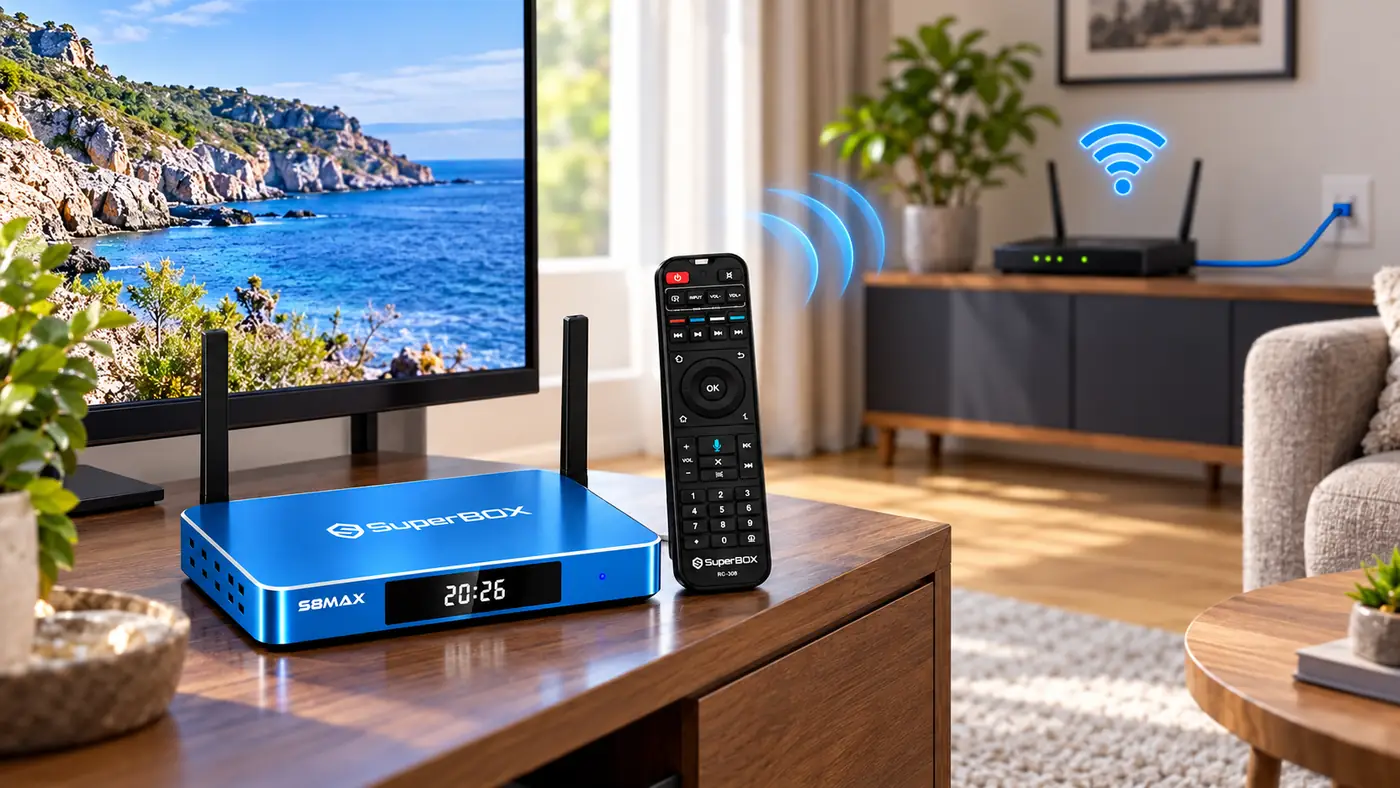
Streaming also depends on the source service and its current availability. A faster box cannot repair an unstable internet service or a struggling app server. If your existing devices buffer at the same time, investigate the shared connection before deciding that a new TV box is the fix.
Match the Box to How Your Household Watches
A SuperBox for TV setup for one person may be simple: one television, one seat, and a handful of favorite apps. A family setup raises different questions. Is the TV shared between news, sports, films, and children’s viewing? Does anyone need easy-to-read menus or voice control? Would a second television require a separate viewing session?
If two people expect independent programs in different rooms, do not assume one device will do the job of two. Our SuperBox S8 two-TV reality check explains the difference between sending the same picture to two screens and giving each screen independent control.

A vacation home adds another layer: who knows the Wi-Fi password, which HDMI input should guests select, and where are the remotes? If that is your use case, the vacation-home TV plan is more useful than a general product review.
What the SuperBox S8 Max Adds—and What It Does Not
The SuperBox S8 Max is a current mid-line option with 64GB eMMC storage, 4GB DDR memory, Wi-Fi 6, Gigabit Ethernet, and a voice remote according to this store’s product listing. Those details help if you want a separate box with room for compatible apps and a wired-network option. The model also lists Multi-View and built-in recording, although what you can actually view or record depends on software, sources, and rights.
Equally important is what a box does not include by default. It does not replace your internet provider, guarantee every third-party app, or ensure that every channel in an online list is available where you live. If this is your first device, the what is superbox explainer distinguishes the hardware from the services that may run on it.
For a step-by-step connection sequence, use the existing first-time SuperBox installation guide. This article is your pre-purchase fit check; a setup tutorial is more helpful once you have the exact model and cables in front of you.
A Five-Minute Pre-Order Check
- Confirm a working, available HDMI input on the television.
- Identify where the box, its power adapter, and an HDMI cable will sit.
- Write down whether sound comes from TV speakers, a soundbar, or a receiver.
- Test internet reliability at the television’s location; decide whether Ethernet is practical.
- Decide whether the household needs one shared screen or separate devices for separate rooms.
- Check current product details and app requirements rather than relying on an old screenshot.
Once the box arrives, take the first day slowly. The SuperBox S8 Max unboxing walkthrough is designed for that exact moment, when verifying the package and getting a baseline picture, sound, network, and remote connection matters more than trying every feature at once.
Frequently Asked Questions
Does my TV have to be a smart TV?
No. The key starting point is a compatible working HDMI input and a display that can handle the selected output. The TV’s own app platform does not have to run the SuperBox interface.
Will a SuperBox make an old TV display 4K?
No. The TV panel cannot display more detail than it supports. Higher-resolution playback also depends on the source material, device settings, HDMI path, and screen.
Does every SuperBox for TV include the same features?
No. Storage, remote design, ports, and software features vary by full model name and generation. Compare the current product listings rather than assuming a feature shown for one model applies to another.
Choose a SuperBox for TV for Your Room, Not a Spec Sheet
If the HDMI, audio, internet, and household checks all make sense, a SuperBox for TV can be a practical way to give an existing television a new interface. If one of those checks fails, solve that issue first; buying a box will not make a damaged TV input or unreliable Wi-Fi disappear. You can review the latest SuperBox options for your TV once you know the room is ready.
When you decide to order, try coupon code SP10 at checkout for 10% off eligible orders. Confirm that the discount appears in your order summary before paying; promotional eligibility can change.