
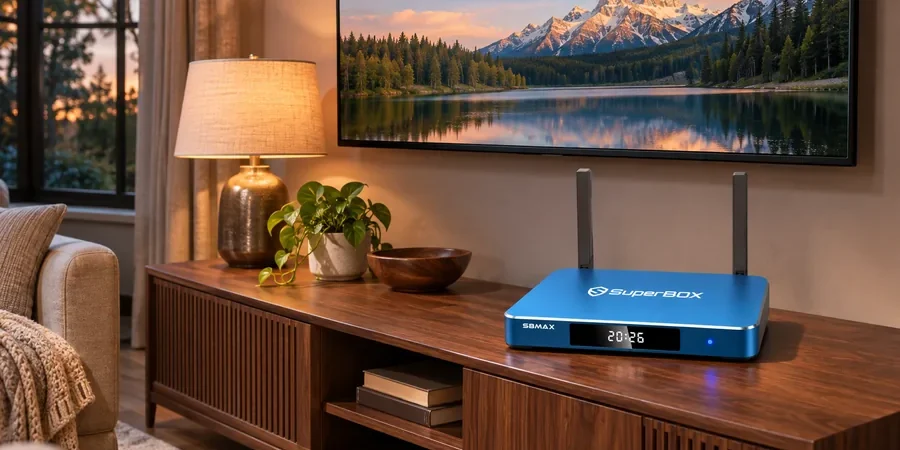
These two boxes solve different living-room problems. The SuperBox S8 lineup is aimed at viewers who want SuperBox’s own live and on-demand app experience alongside a conventional TV-box setup. NVIDIA SHIELD TV Pro puts its emphasis on a mature Android TV ecosystem, premium home-theater formats, gaming, and local-media tools. If you are deciding between them, start with what you will actually open on a typical evening.
For a quick view of the available models, you can compare the current SuperBox range. This guide focuses on SuperBox S8 Max, the 64GB model, and the current NVIDIA SHIELD TV Pro specifications rather than assuming that either box has every app or channel a buyer might want.
The short answer
Choose SuperBox S8 Max if its verified built-in viewing apps, full-size box format, 64GB internal storage, and wired or wireless networking match your household. Choose NVIDIA SHIELD TV Pro if Dolby Vision, supported Dolby/DTS audio, AI upscaling, Plex Media Server, or its specific Android TV apps are central to your setup. Neither device can substitute for a content provider’s license or a separate subscription when one is required.
A specification comparison that matters
| Question | SuperBox S8 Max | NVIDIA SHIELD TV Pro |
|---|---|---|
| System memory | 4GB DDR, per seller listing | 3GB, per NVIDIA |
| Internal storage | 64GB eMMC | 16GB; NVIDIA supports compatible USB expansion |
| Network | Dual-band Wi-Fi 6 and Gigabit Ethernet | Dual-band 802.11ac Wi-Fi and Gigabit Ethernet |
| Video emphasis | Up to 4K playback on compatible content and displays | 4K HDR, Dolby Vision, HDR10 and AI-enhanced upscaling, as specified by NVIDIA |
| Remote | Voice-command remote without backlighting | Voice remote with motion-activated backlit buttons |
| Typical appeal | SuperBox app-led live and on-demand browsing | Android TV apps, home theater and Plex/gaming features |
Numbers alone do not tell you which menu you will enjoy using. Storage capacity is useful if you expect to keep compatible apps or local files on the device; it does not guarantee faster internet or sharper video. Our separate SuperBox S8 storage guide explains that distinction in more detail.
Live TV browsing versus a broader Android TV toolkit
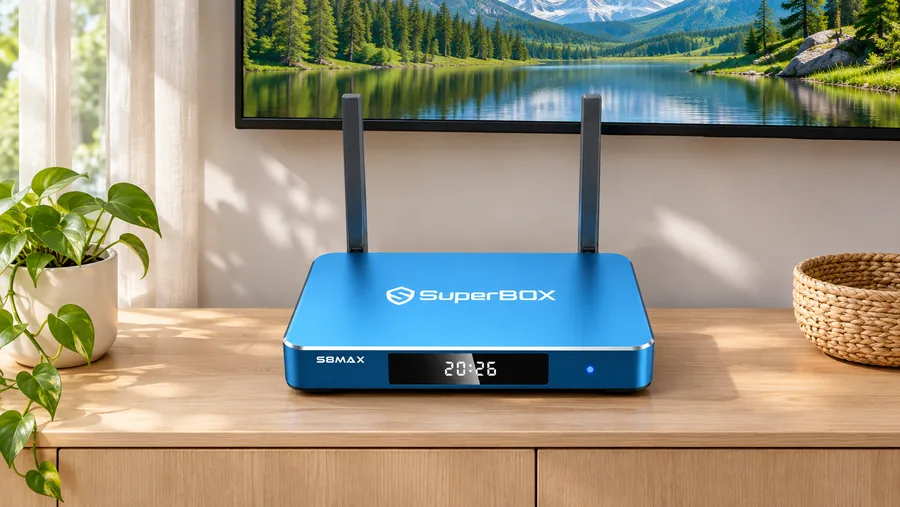
The current SuperBox S8 Max listing describes its built-in viewing environment, including live TV, on-demand options, multi-view, supported recording and time shift. Those features can be attractive to someone who wants to browse from the couch without building a library of separate services. Availability, supported programs, and app behavior can change; confirm the programs important to you before purchase. The SuperBox S8 Blue TV guide gives a closer look at the live-TV side.
NVIDIA SHIELD TV Pro takes a different route. NVIDIA lists Android TV, Chromecast 4K built in, Google Assistant support, Plex Media Server, and access to an Android TV app ecosystem. Those are meaningful if your household already uses specific licensed services, keeps its own media library, or wants cloud gaming. Confirm each desired app and plan with its provider, rather than assuming a device purchase includes the service.
Our broader SuperBox vs vSeeBox comparison is useful if you are weighing another app-led TV box, but it answers a different question from this SHIELD comparison.
Picture and audio: check the rest of your system
NVIDIA explicitly lists Dolby Vision, HDR10, AI-enhanced upscaling and several advanced audio formats for SHIELD TV Pro. The SuperBox S8 Max page lists 4K playback with compatible content and displays, plus an H.265 decoder specification. A decoder number is not a promise that a streaming app will deliver that resolution. If Dolby Vision or a particular surround-sound format is essential, verify end-to-end compatibility across the box, app, TV, receiver and content before deciding.
For a dedicated sound system, start with the TV and soundbar wiring rather than the marketing label on the box. The SuperBox S8 Max soundbar checklist walks through the physical signal path. If you are still unsure whether a display setting is meaningful, our 6K decoding versus 4K viewing explanation separates playback claims from what appears on the television.
Network, storage and the everyday remote
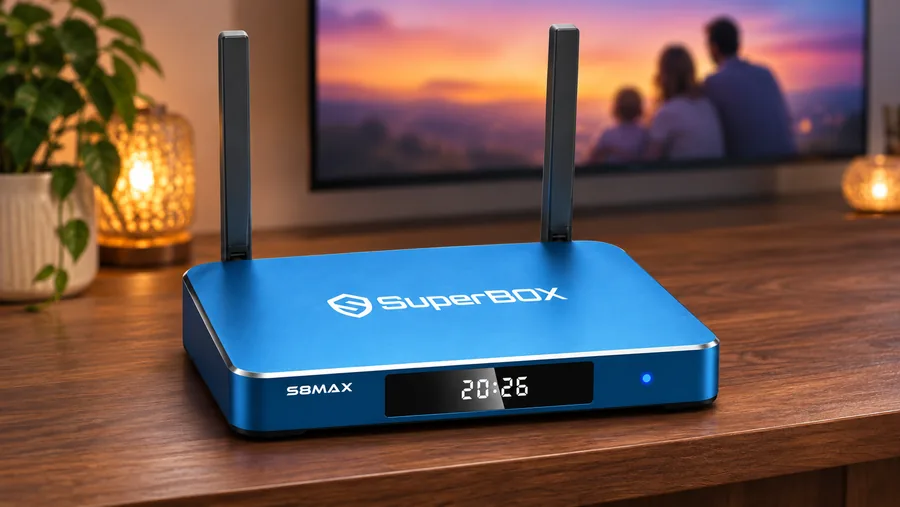
Both boxes list Gigabit Ethernet, so either can be connected to a compatible wired home network. The SuperBox S8 Max listing specifies dual-band Wi-Fi 6; NVIDIA specifies 802.11ac Wi-Fi for SHIELD TV Pro. Real streaming stability depends on your router, signal, internet plan and the app delivering the program. A newer Wi-Fi label by itself does not fix an overloaded connection.
The remote may be the more noticeable difference after a week. SuperBox S8 Max includes a voice-command remote but its current listing says it is not backlit. NVIDIA describes motion-activated backlighting and voice search on SHIELD TV Pro. If finding buttons in a dark room is a priority within the SuperBox line, SuperBox S8 Ultra is the model whose listing explicitly includes a backlit voice remote.
When comparing app ecosystems, remember that apps and accounts follow their providers’ terms. For example, our Netflix on SuperBox S8 guide explains why a device purchase does not include a paid Netflix membership.
Which household should choose which box?
A household that wants the SuperBox interface, available Blue TV and Blue VOD functions, more internal storage and simple Ethernet or Wi-Fi choice has a clear reason to examine SuperBox S8 Max. A household built around Plex, NVIDIA’s gaming options, Dolby Vision and premium audio may prefer SHIELD TV Pro. If you use a mix of services, make a five-item list of the apps, programs and equipment you cannot give up, then verify each item against the current device and provider information.
The device itself is a one-time purchase on our site, but internet service and third-party subscriptions may still cost money. Our SuperBox subscription explainer separates those costs. This is particularly useful when comparing an app-led box with a platform used mainly for individually subscribed services.
Before you order
Check your TV’s HDMI input, your network position, the apps you need, and whether the seller’s returns and support terms are acceptable. Our SuperBox S8 buyer checklist covers the seller side. If your main priority is the SuperBox viewing experience rather than SHIELD’s theater and gaming tools, the current SuperBox S8 range is the right place to compare the full lineup.
At checkout, try code SP10 for a 10% discount on an eligible order; confirm the code and final amount shown before paying.
Related guide: Compare the SuperBox S8 models